Sign in
Open the dashboard and sign in with Discord. AuthenticateMe asks to see your username, your servers, and to update command permissions, which the Permissions page uses to save command settings to Discord. Your servers appear in the rail on the left. A server shows up when you can open at least one dashboard page there, which by default means you have Manage Server. Servers without the app are greyed out with a + badge, and clicking one invites AuthenticateMe.Find your way around
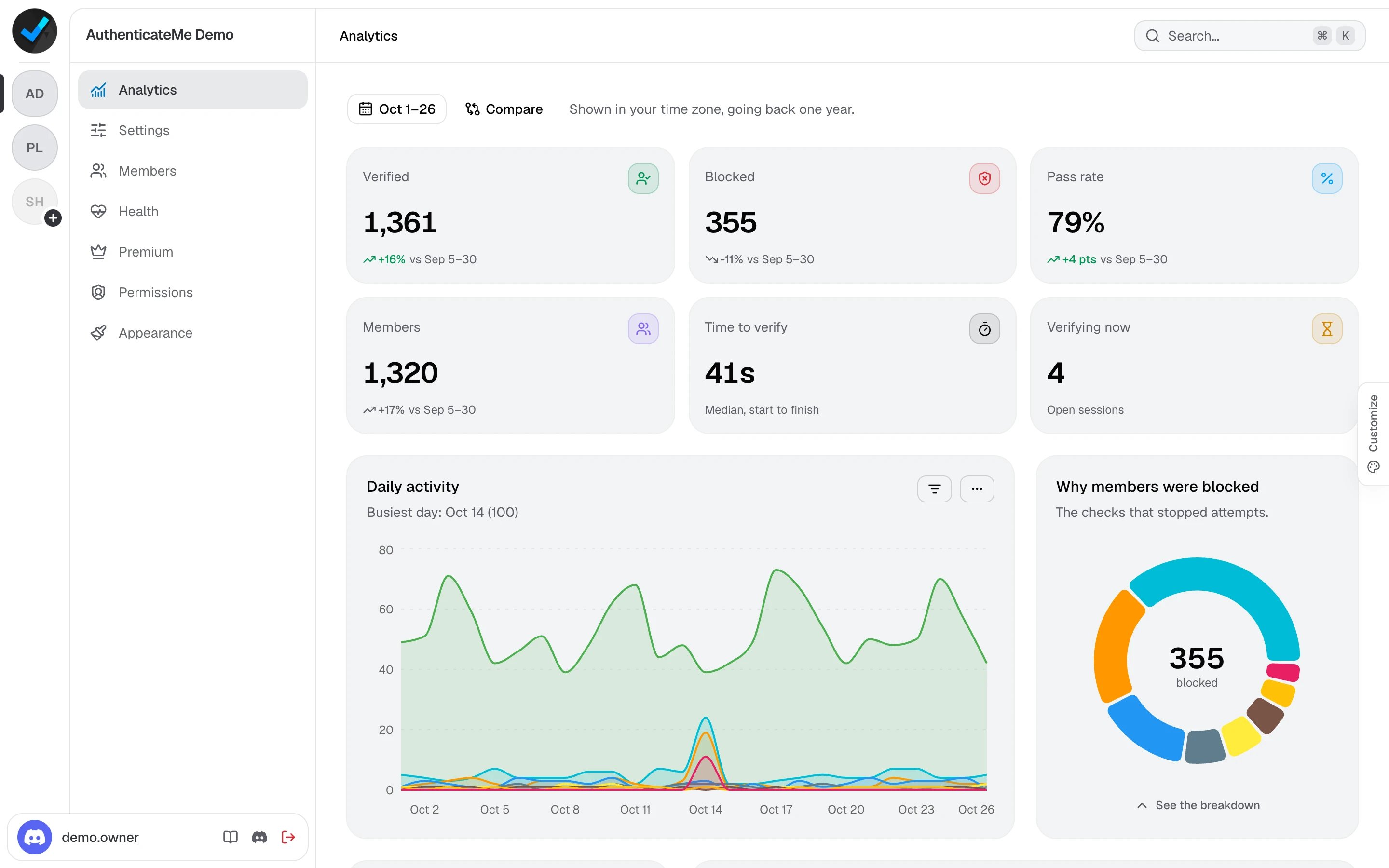
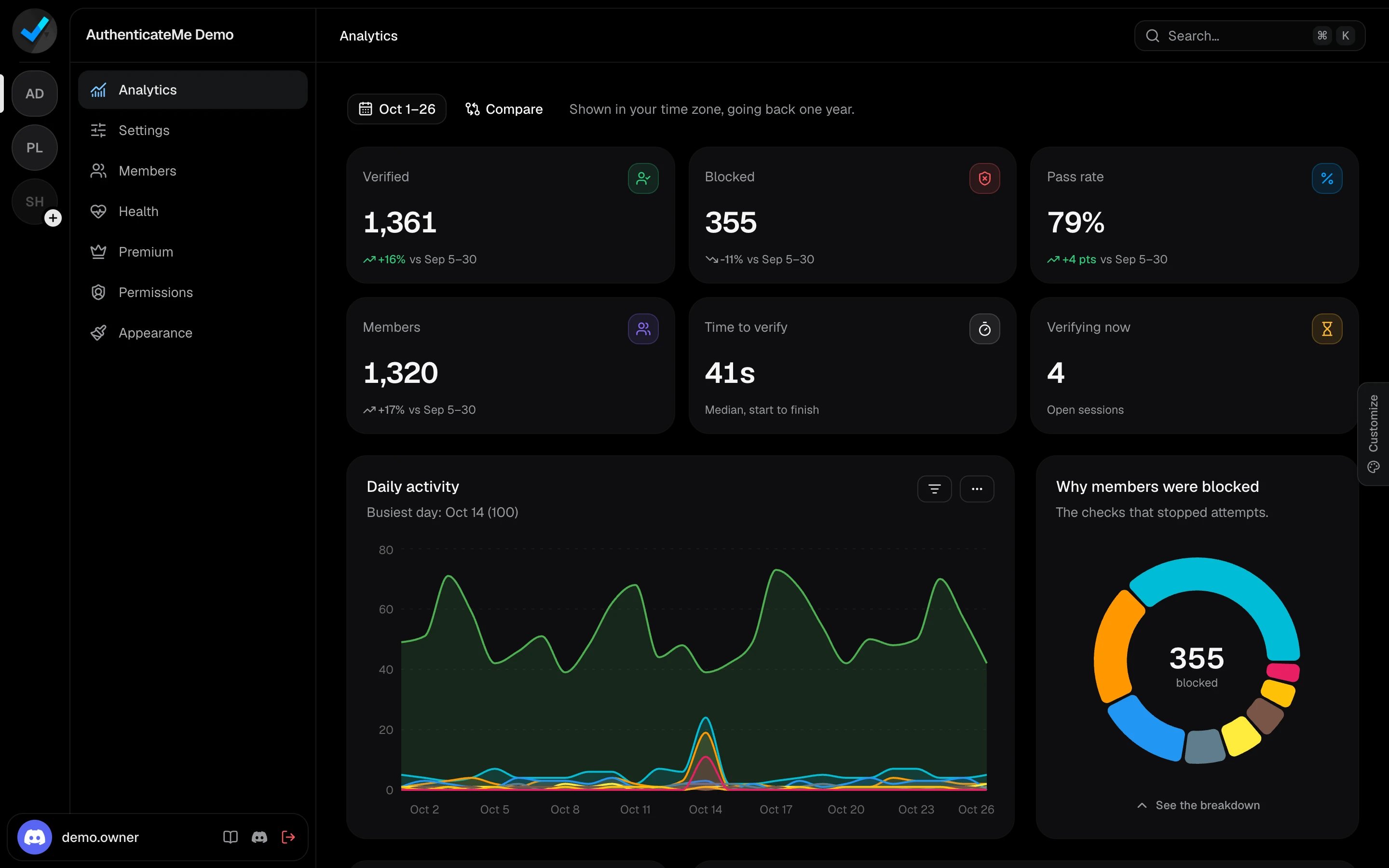
A lock next to a page means you don’t have access to it. An amber dot means unsaved changes, and a red dot on Health means something needs fixing.
The buttons at the bottom of the page list open this documentation and the support server, and sign you out.
Search
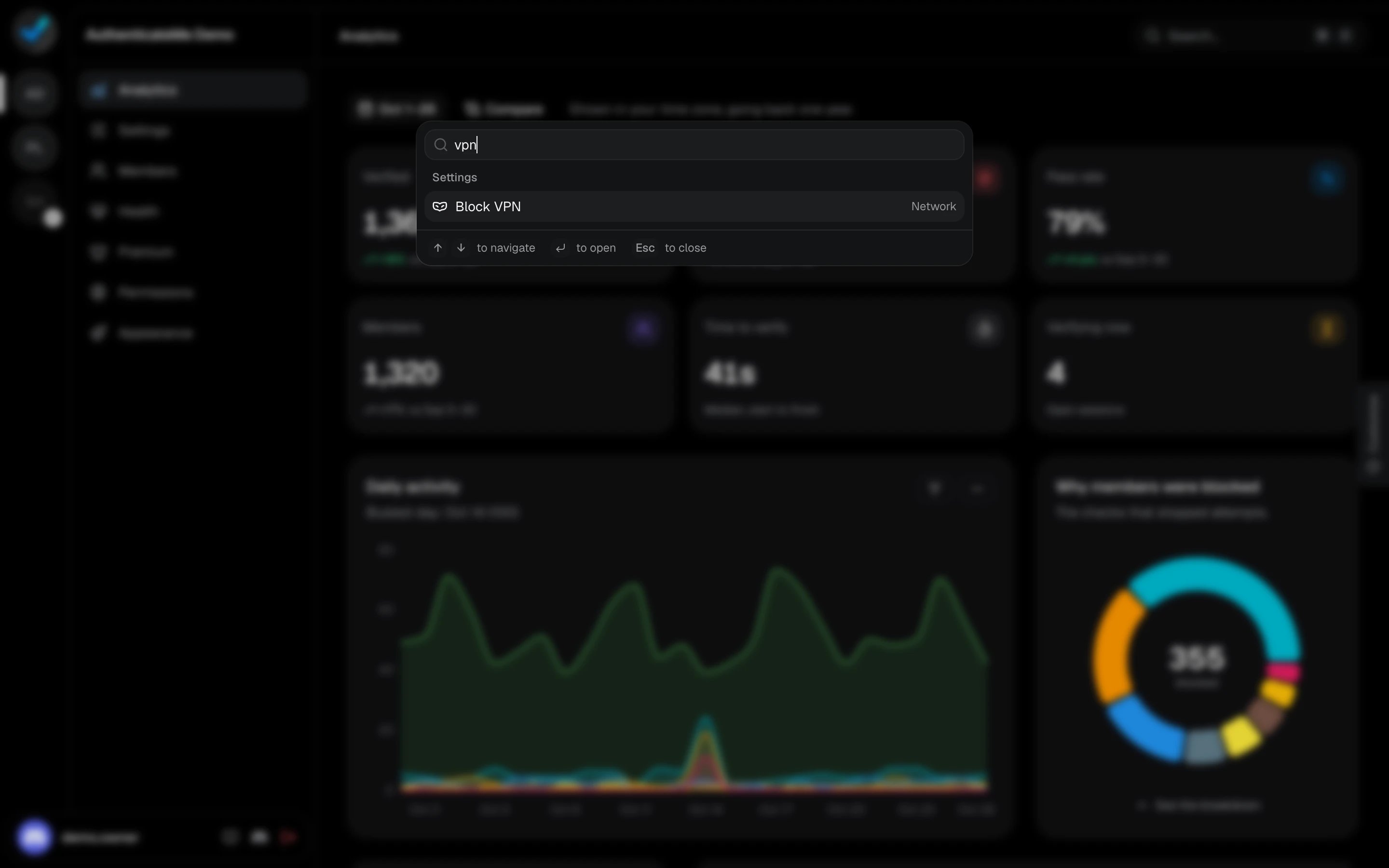
Press Ctrl K (⌘ K on Mac), or click Search at the top, to jump anywhere. Search finds pages, servers, settings, and permissions. Picking a setting takes you to its card and highlights it.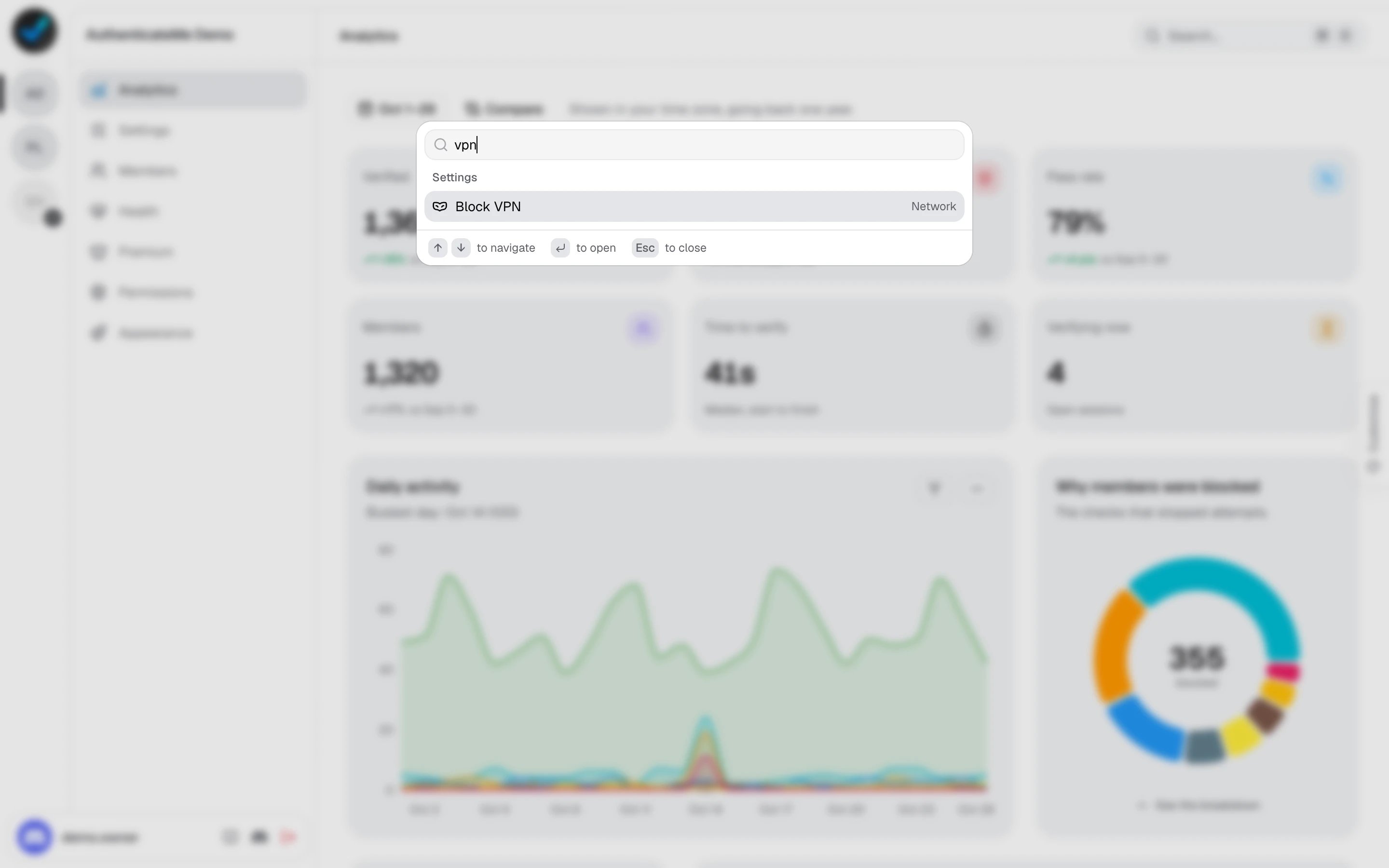
Customize the look
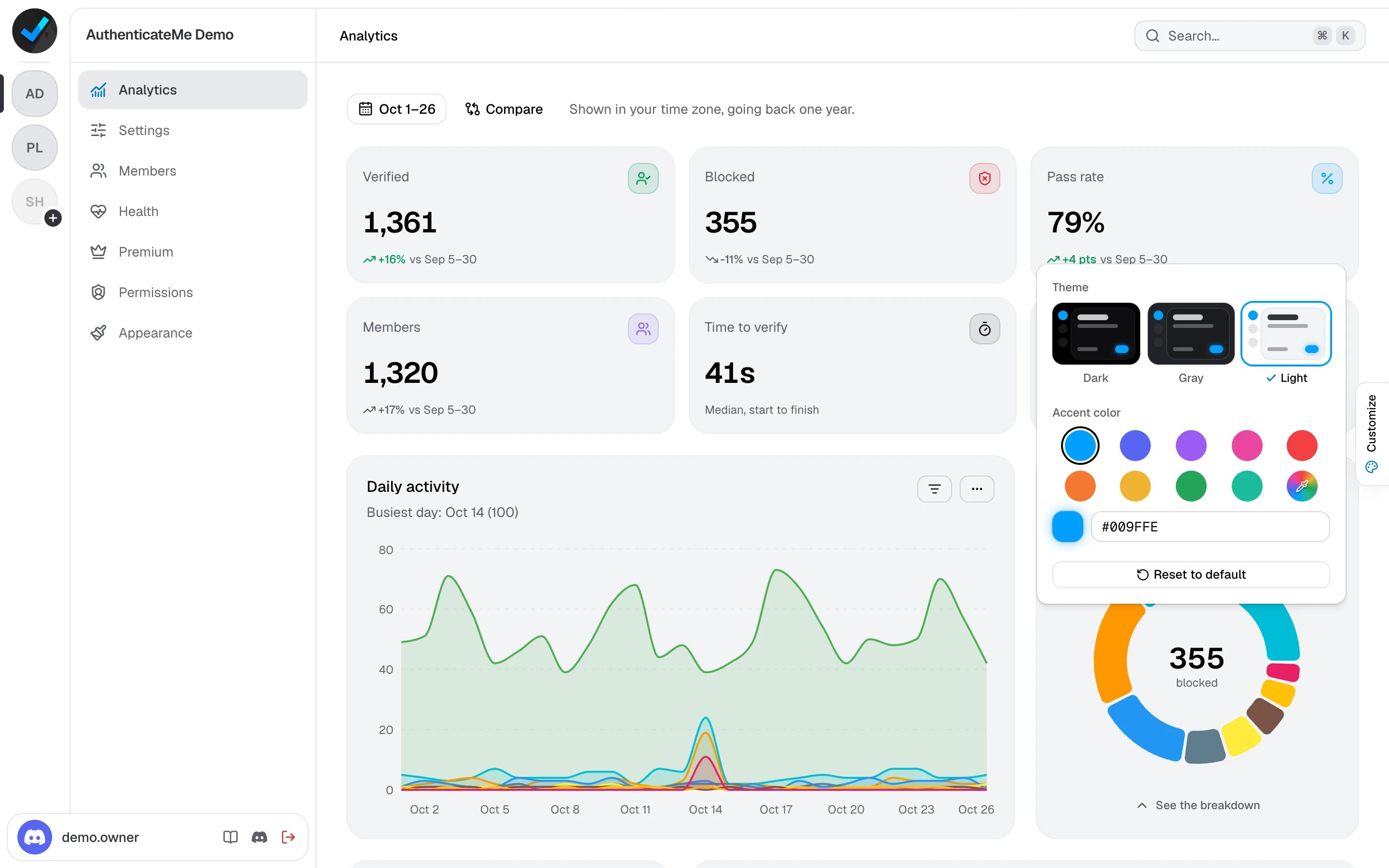
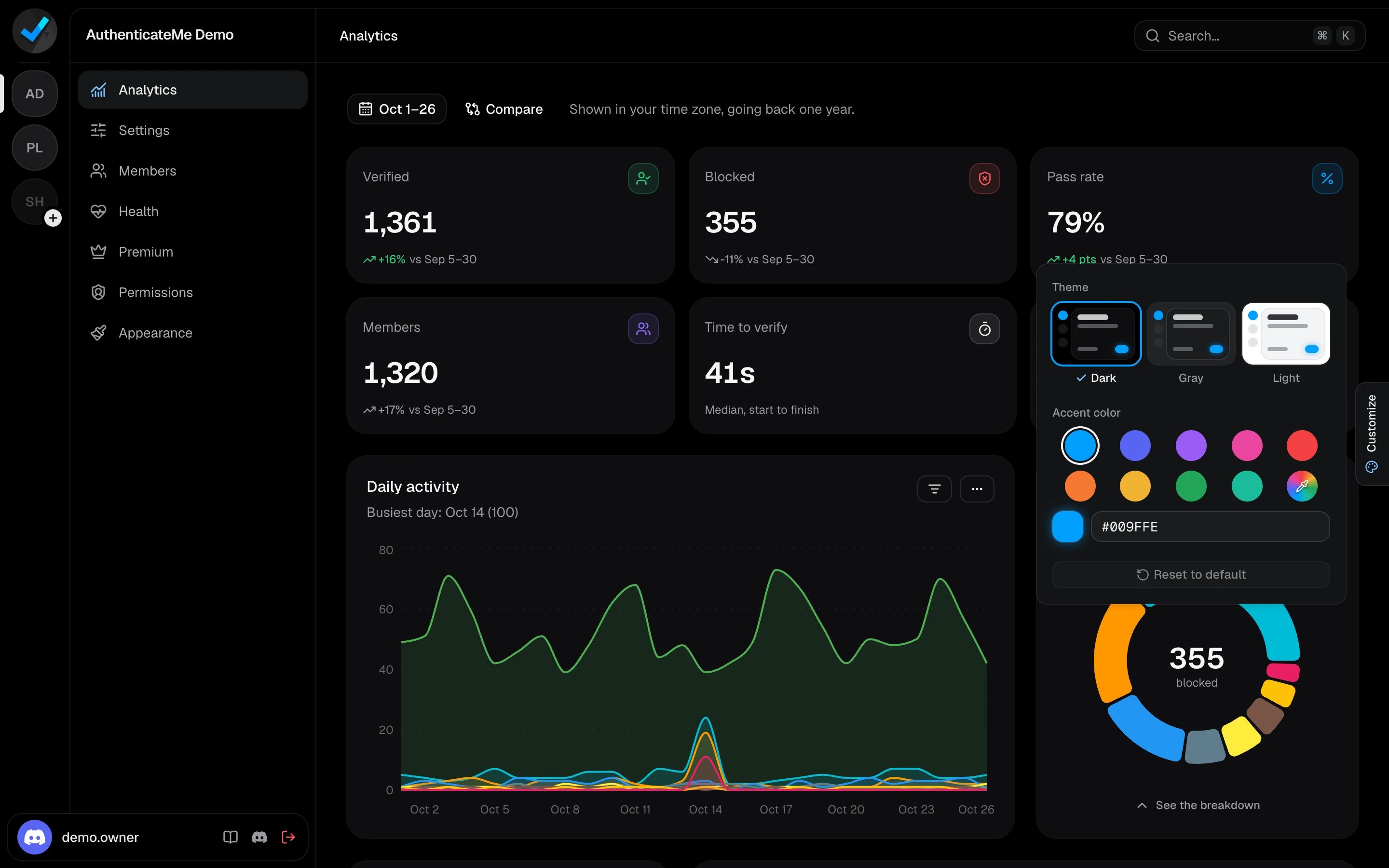
Click the Customize tab on the right edge of the screen. Pick a Dark, Gray, or Light theme and an accent color, or enter your own. Your choice is saved in your browser.