
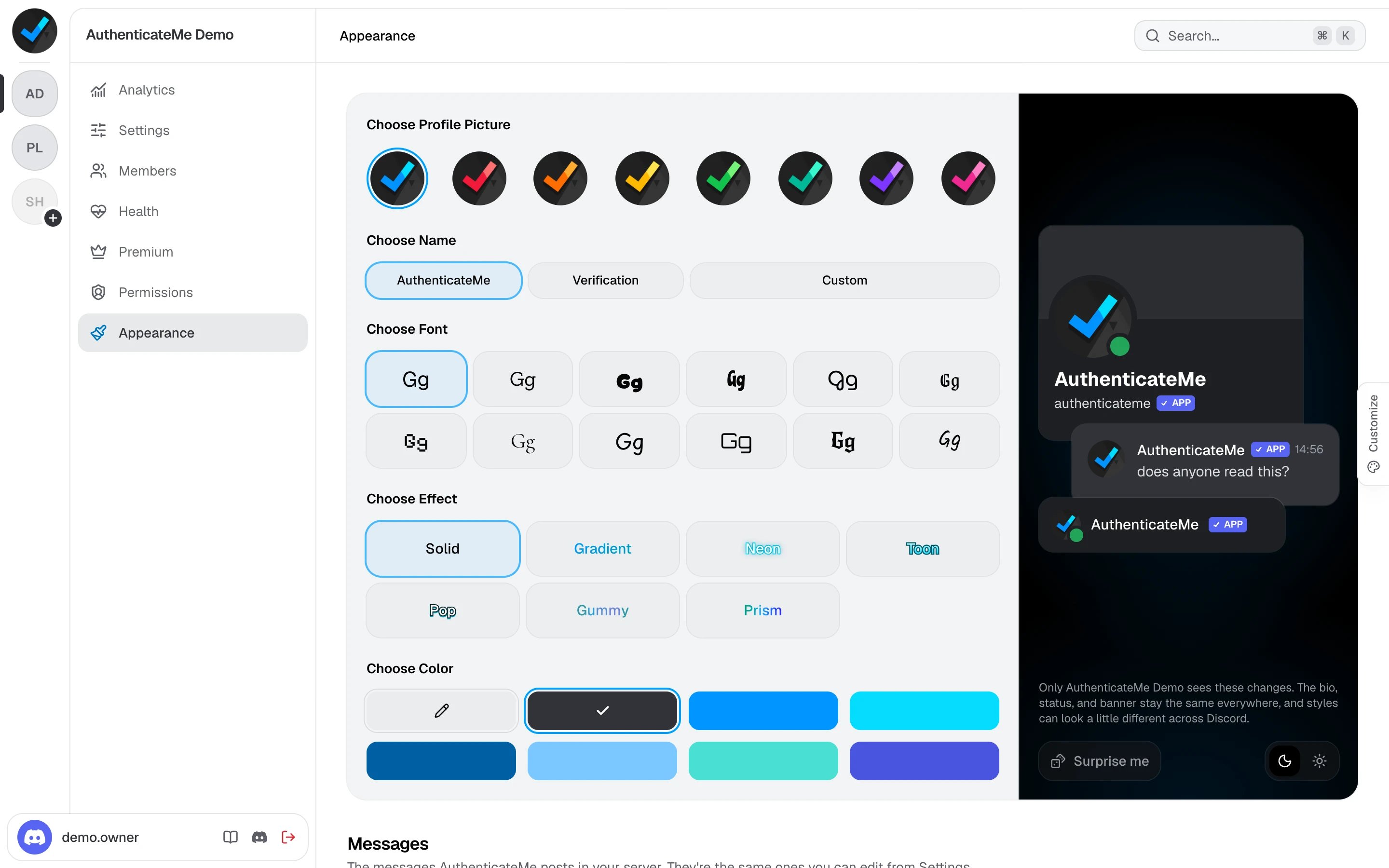
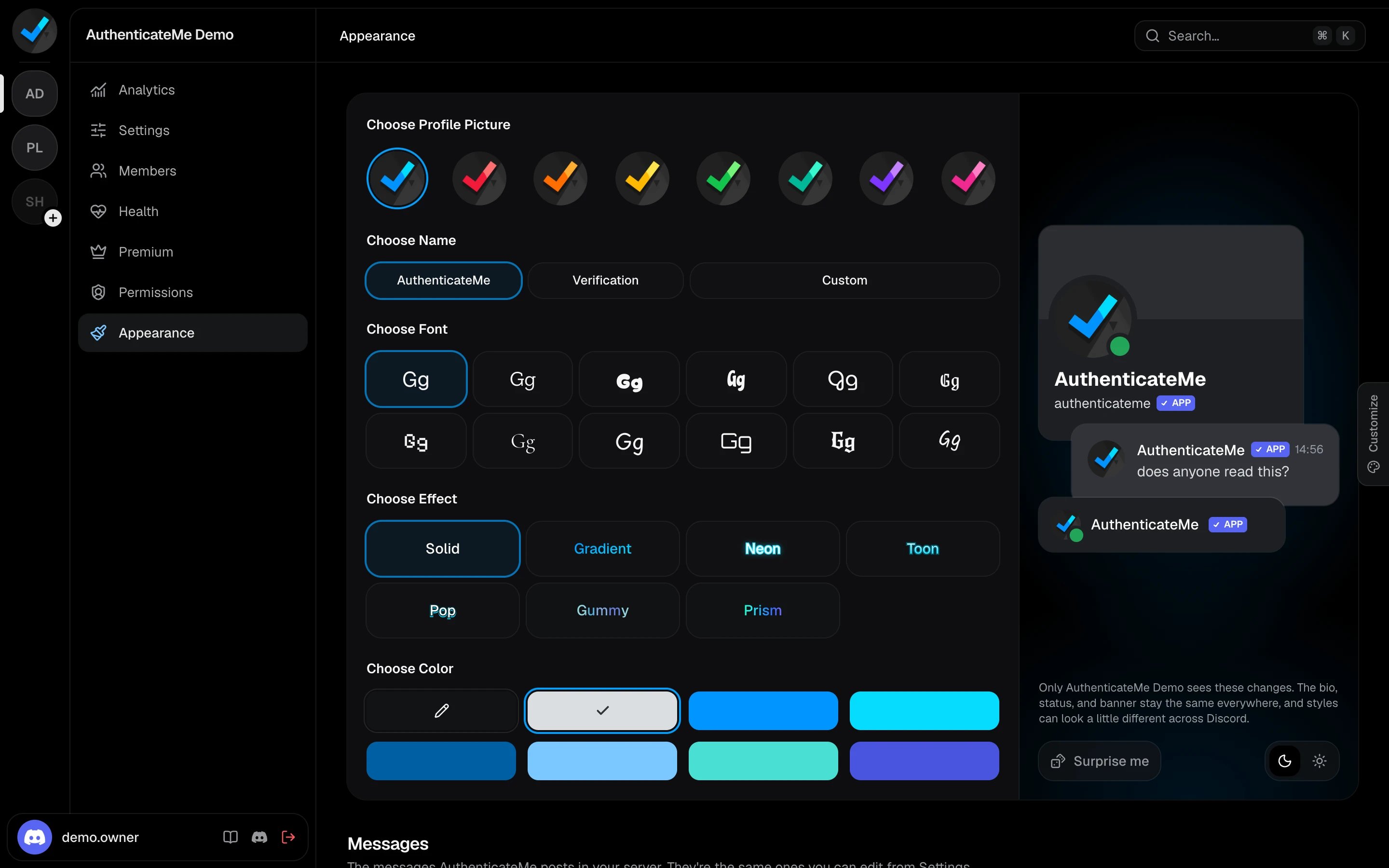
App profile
The preview on the right shows the profile card, a message, and the member list entry as your members will see them. Switch the preview between dark and light, or press Surprise me for a random combination.
A custom name needs the Change Nickname permission. The bio, status, and banner stay the same in every server, and the name styles can look a little different across Discord apps.
Messages
The Messages section lists every message AuthenticateMe posts in your server. Click one to open the message editor.
These are the same messages you can edit from the Settings page.