Compare the modes
Web-Link
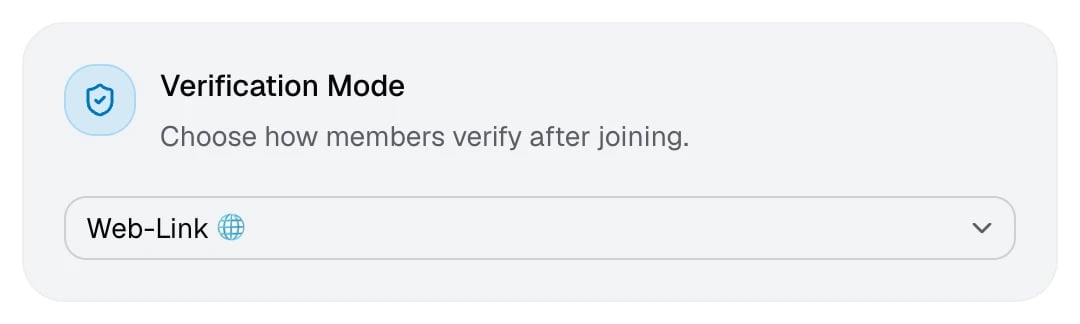
Members verify on authenticateme.xyz. This runs every check you’ve turned on.1
The member joins
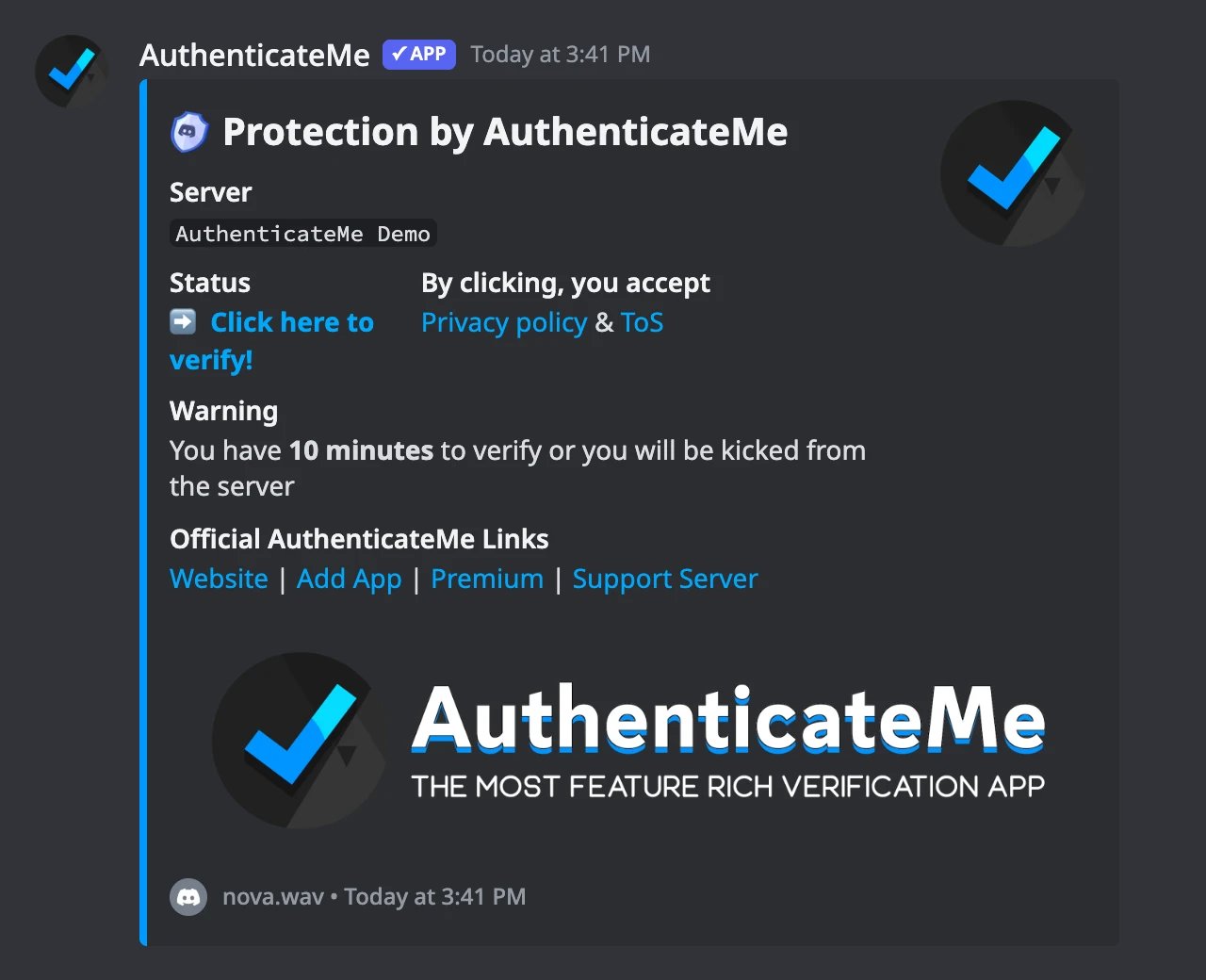
AuthenticateMe gives them the Unverified Role, if you use it, and sends a DM with a personal verification link. If their DMs are closed, they can click Verify in the verification channel to get the same link privately.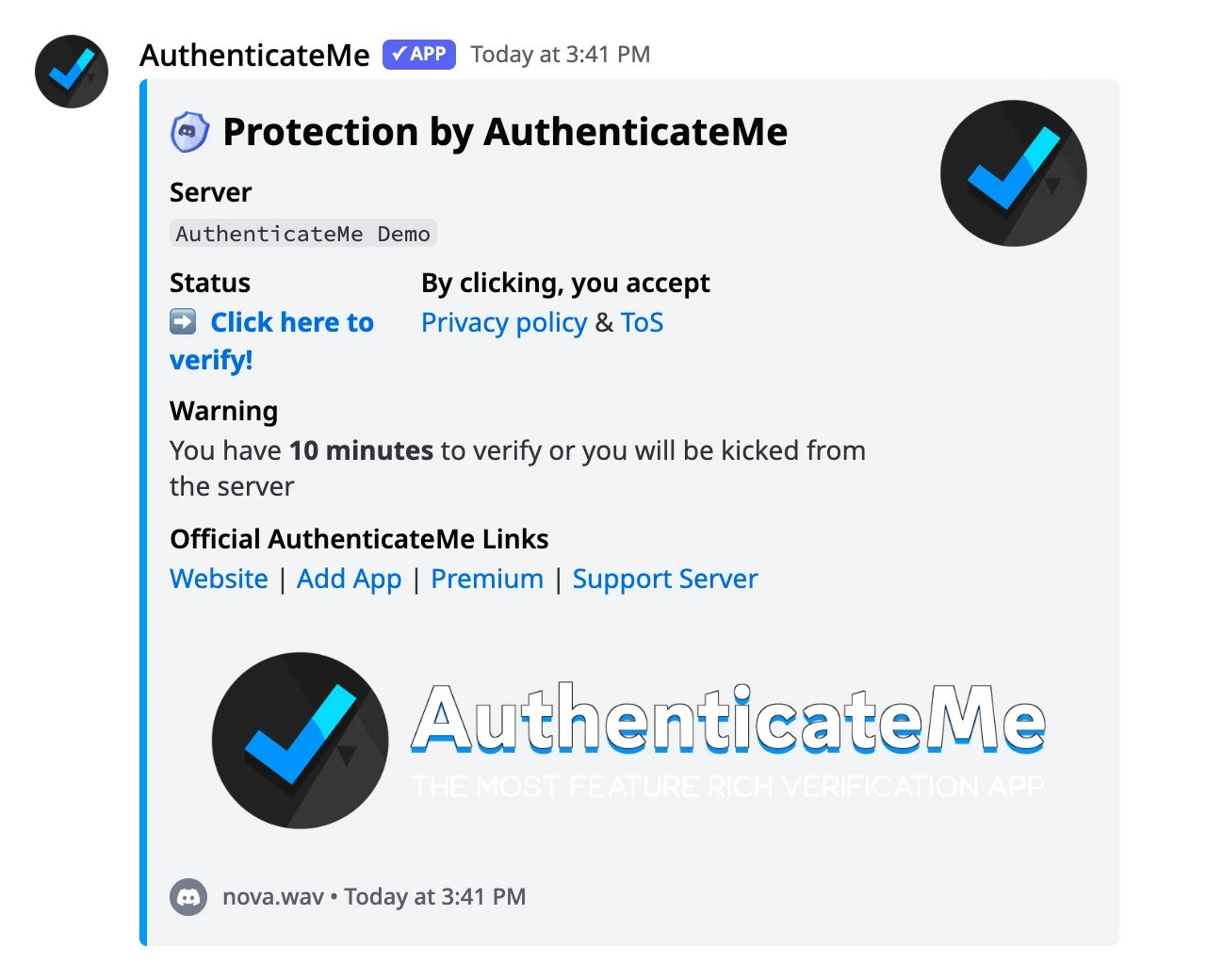
2
The member signs in with Discord
The link opens the verification page, which asks them to sign in with Discord. AuthenticateMe only asks for their username, avatar, and email address. On Premium servers, the link skips the page and goes straight to Discord.
3
Checks run in the browser
The page checks their connection, browser, and device, then shows the result. Members who fail see why, with a Troubleshoot link and a way to contact support.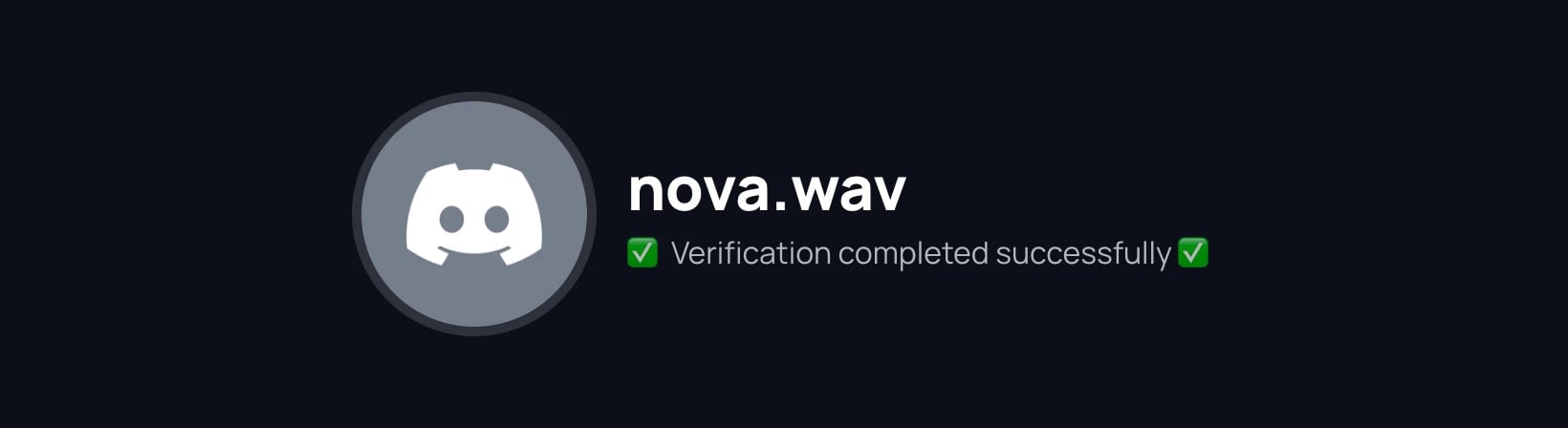
4
The member gets the Verified Role
AuthenticateMe swaps the Unverified Role for the Verified Role, sends a confirmation DM, and logs the result.
Button-Click
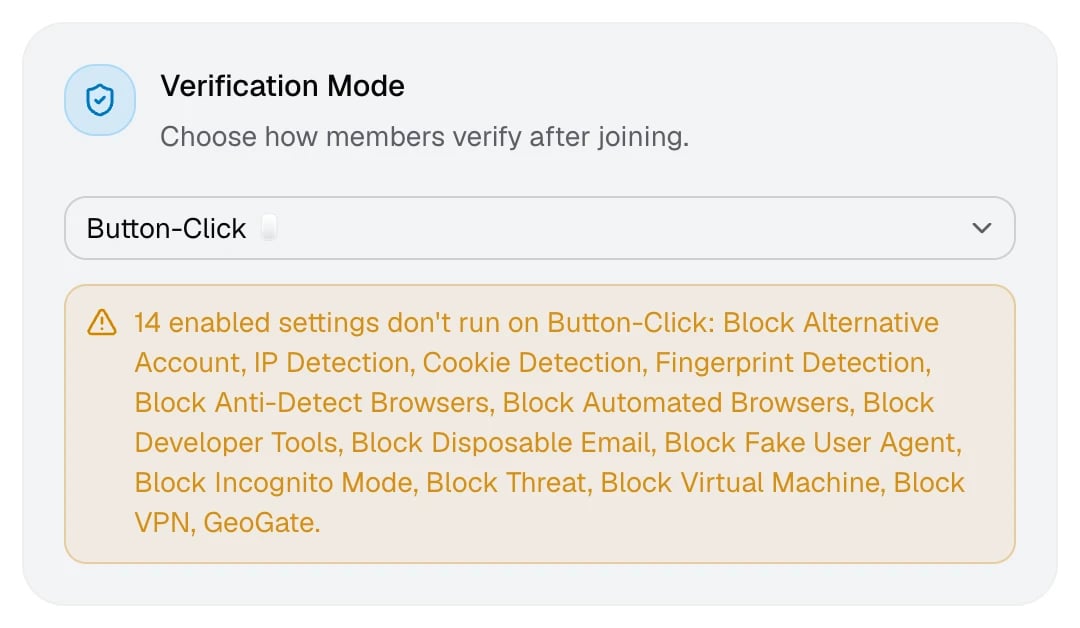
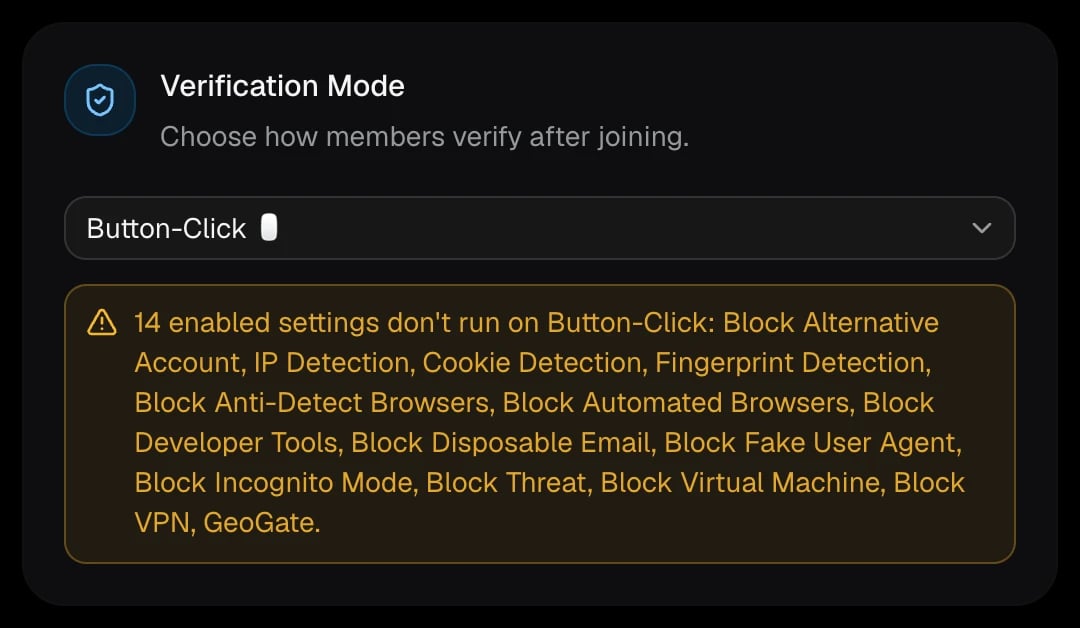
Members click Verify in the verification channel and get their role on the spot, without leaving Discord. It’s the fastest mode, but only Account Age, Avatar Required, Cooldown, and Max Verifications can run. If a check fails, the member sees the reason privately and in a DM, and the check’s action runs. Pick this mode for low-risk servers where convenience matters more than alt and VPN detection.Instant-Grant
Checks run the moment a member joins, and they get the Verified Role if they pass. The member doesn’t have to do anything, and clicking Verify in this mode tells them to rejoin the server. Like Button-Click, only Account Age, Avatar Required, Cooldown, and Max Verifications can run. Instant-Grant never uses the Unverified Role.When you switch modes
Checks that can’t run in the new mode stay saved but are paused. The dashboard lists them in a warning on the Verification Mode card and covers their cards with a striped overlay, so you can see at a glance what’s off.