Invite the app
You need the Manage Server permission to add an app to a server.- Open the dashboard and sign in with Discord.
- Your servers are listed in the rail on the left. Servers without AuthenticateMe are greyed out with a + badge.
- Click the server to open Discord’s invite screen, then choose Authorize.
Permissions
The dashboard invite asks for Administrator, which is the simplest way to make sure every feature works. If you’d rather grant permissions one by one, give the AuthenticateMe role the ones below for the features you use.Role position
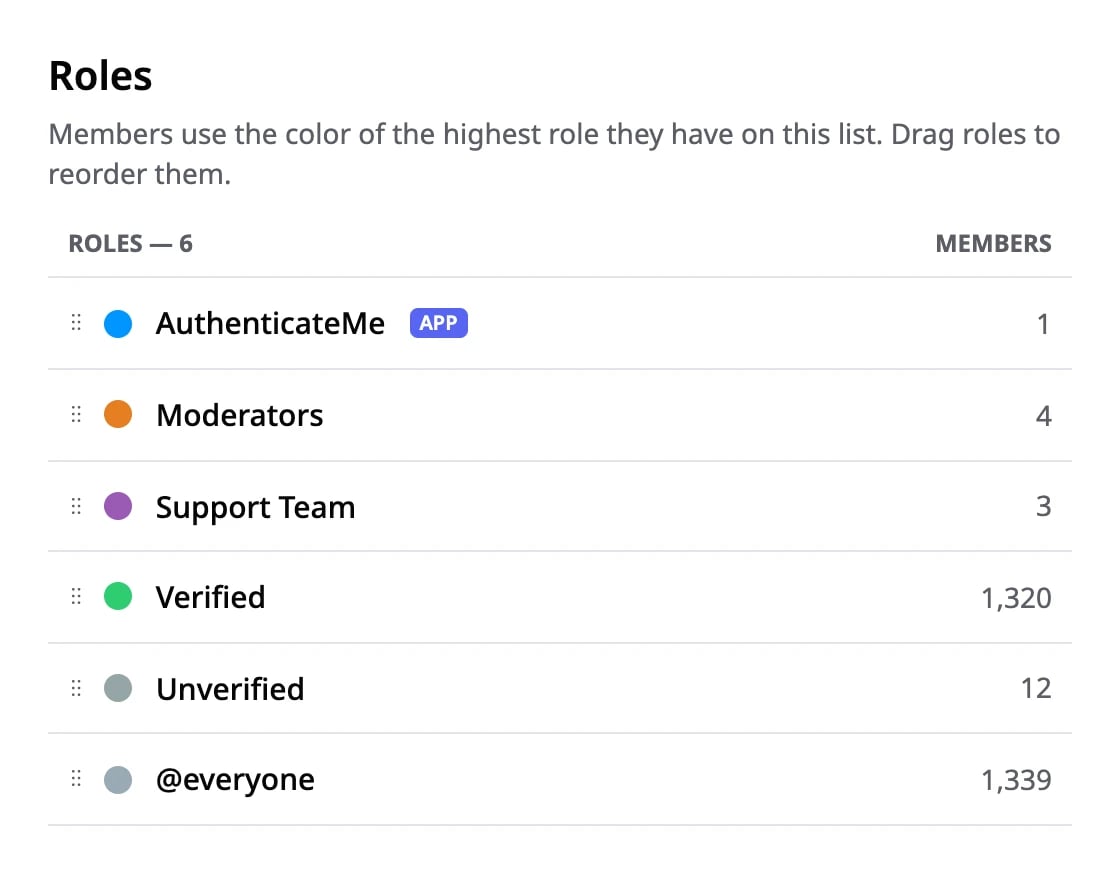
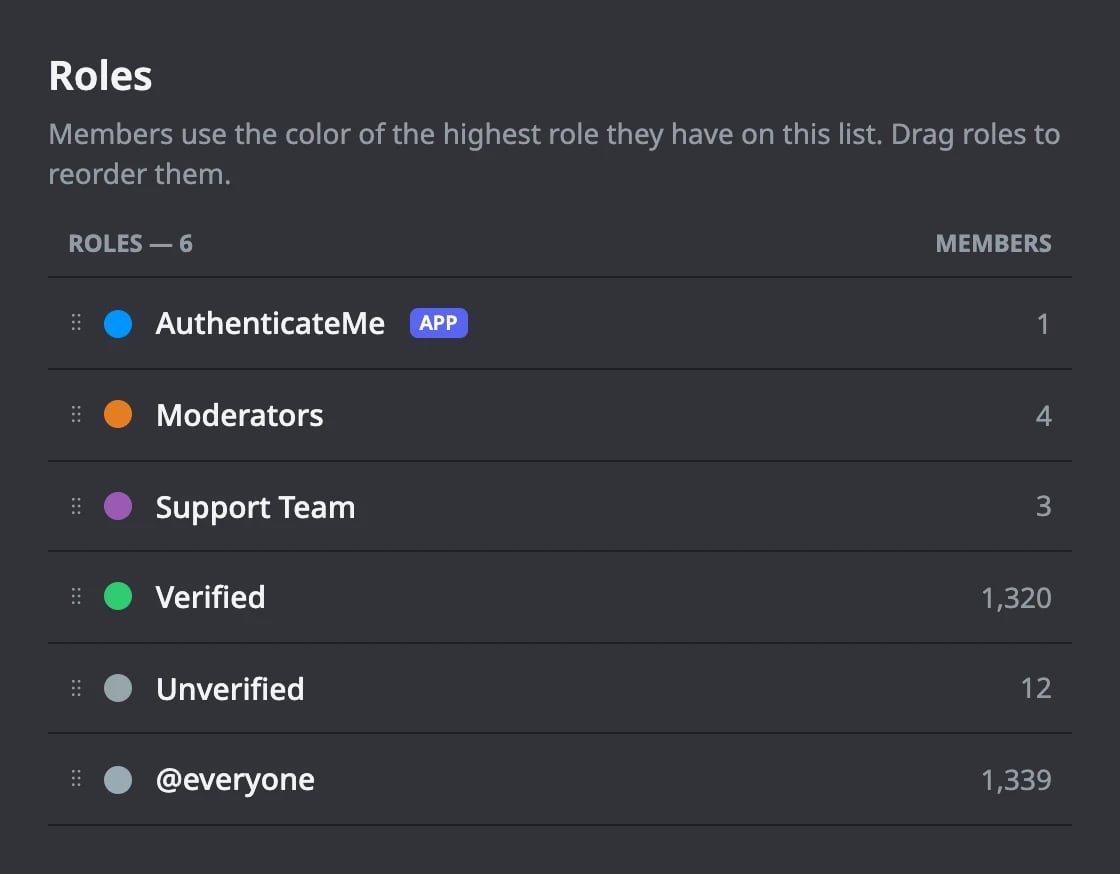
Discord only lets an app give or remove roles that sit below its own highest role, even with Administrator. Open Server Settings → Roles and drag the AuthenticateMe role above these roles.- The Verified Role
- The Unverified Role, if you use one
- The Max Verifications role, if you set one