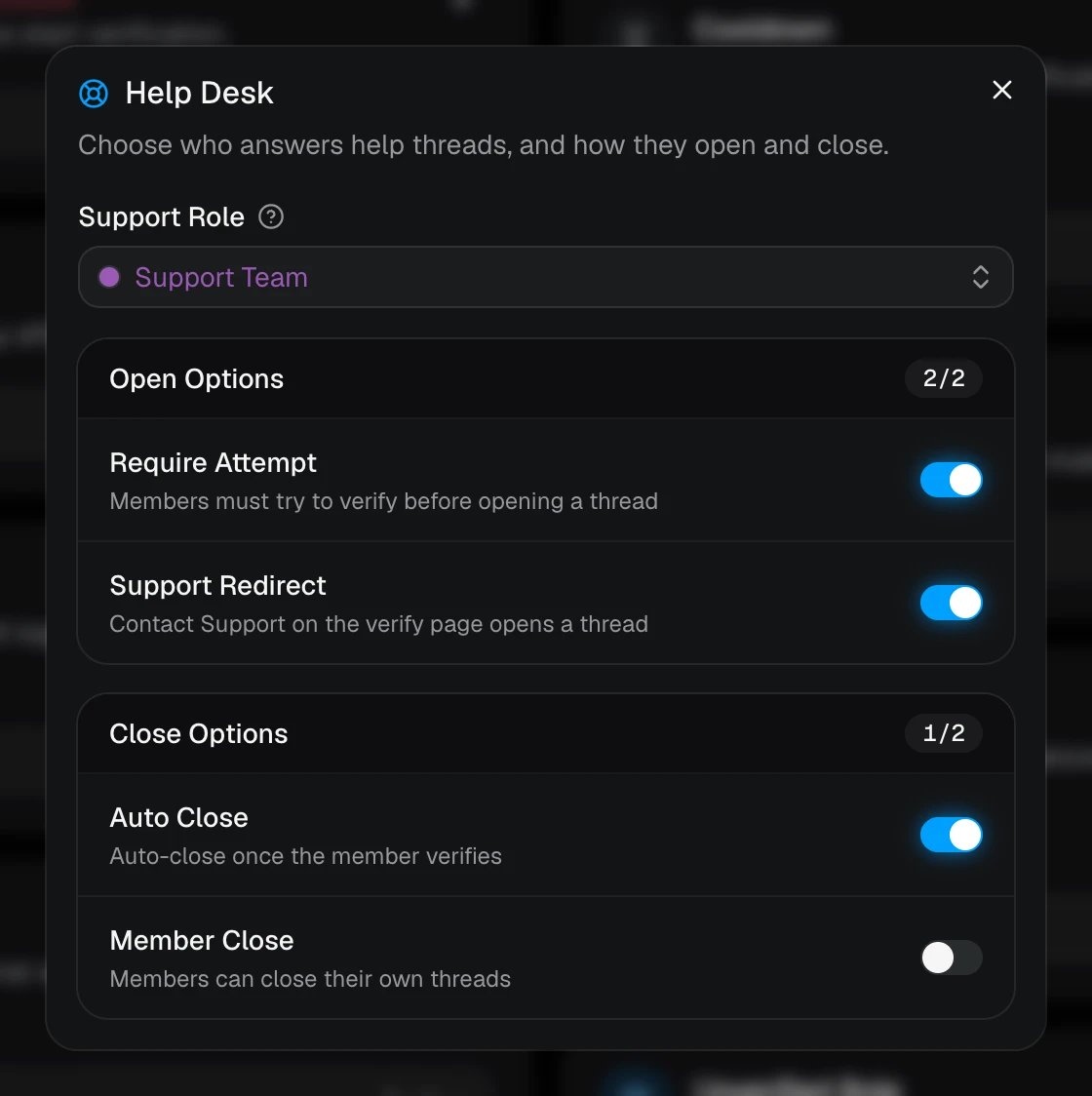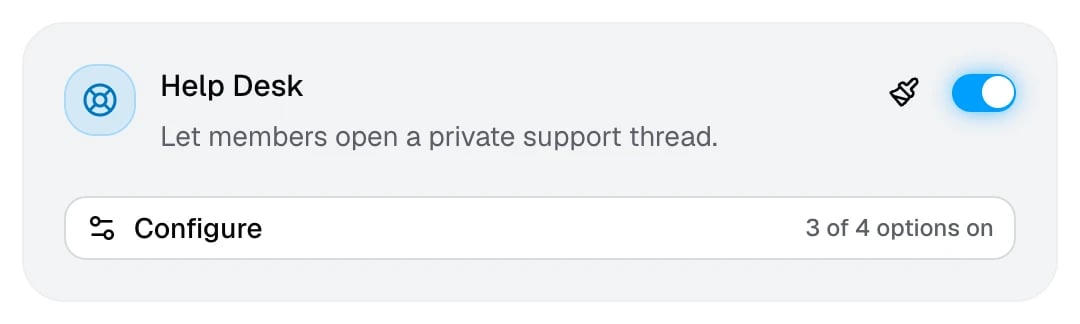
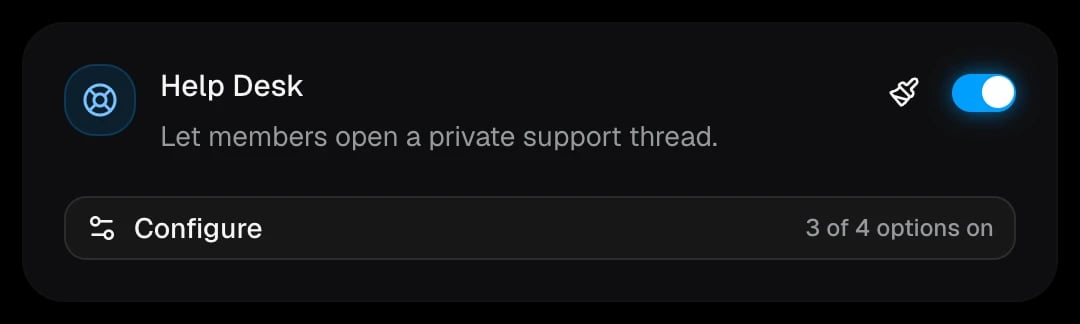
The Help Desk adds a Help button to your verification message. Members who can’t get verified press it, and AuthenticateMe opens a private thread between them and your support team, with their verification history already in it.
The Help Desk cardThe Help Desk card

Set it up

1

Turn on Help Desk

In Settings → Core, switch on Help Desk and click Configure.
2

Pick a Support Role

Everyone with this role is added to each help thread. The role has to be mentionable, or AuthenticateMe needs the Mention @everyone, @here and All Roles permission.
3

Choose how threads open and close
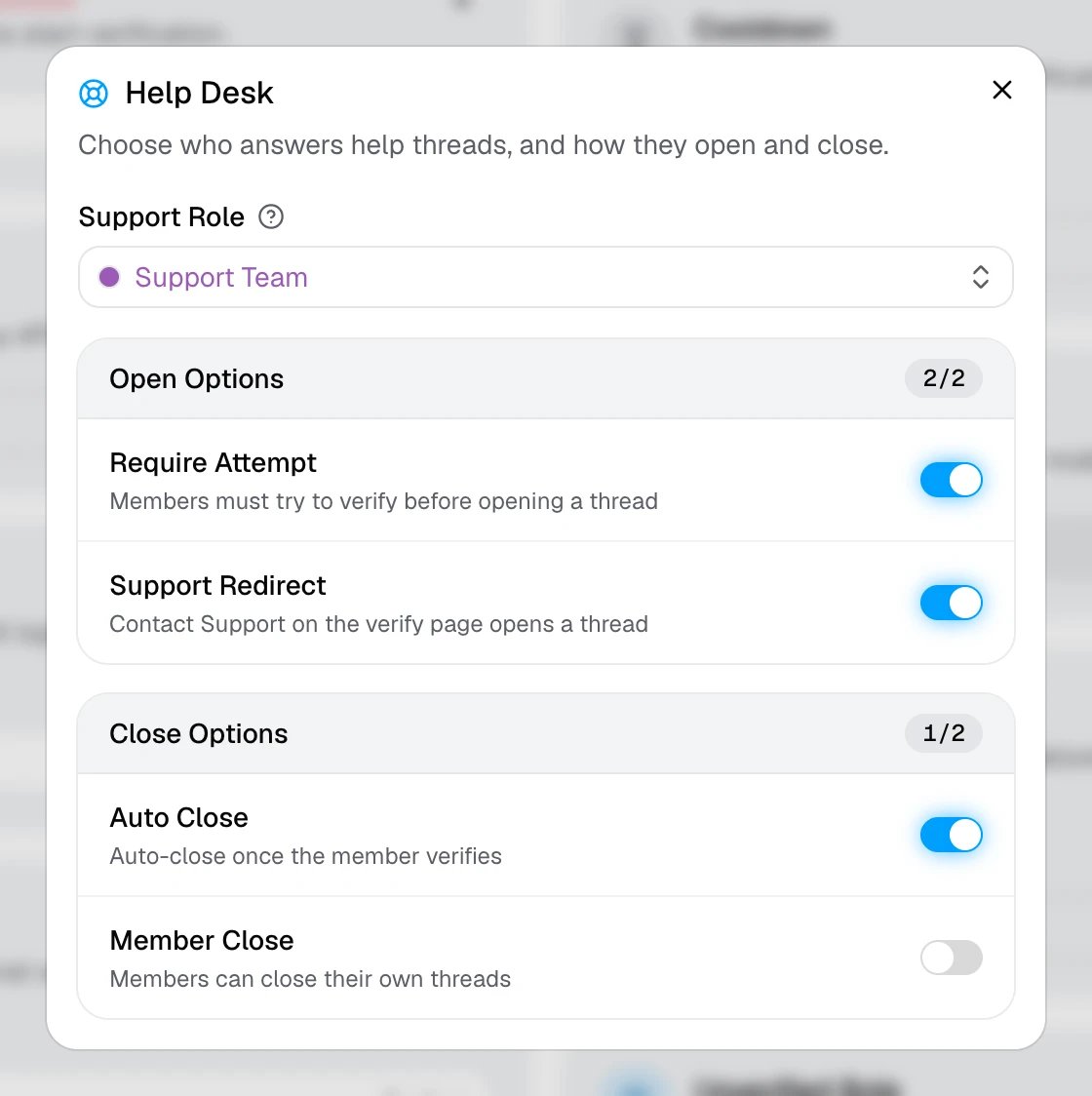
The Help Desk window with the Support Role and its open and close optionsThe Help Desk window with the Support Role and its open and close options
4

Save

AuthenticateMe reposts the verification message with the Help button. Use the paintbrush on the card to change the first message posted in each thread.
Threads are opened in the verification channel, so it has to be a regular text channel. AuthenticateMe needs Create Private Threads, Send Messages in Threads, and Manage Threads there. If anything is missing when you save, a warning is posted to your Help Desk logs.

What members see

When a member presses Help, AuthenticateMe opens a private thread named after them and pings them and your Support Role in it. Pressing it again later reopens their existing thread instead of starting a new one. The first message in the thread is pinned. It shows your Help Desk message, which by default asks the member to describe what went wrong, and a Verification Records list of their failed attempts so staff can see the problem right away. Threads archive themselves after a week of inactivity, and close automatically when the member leaves the server.

Close a thread

Press Close in the thread. Members of the Support Role and anyone with Manage Threads can always close threads, and the member who opened it can too when Member Close is on. Closed threads are locked and archived. Opening and closing a thread is posted to the Help Desk logs module, with a button that jumps to the thread. See Logs and alerts.