
Account Age
Require accounts to be a minimum age to complete verification.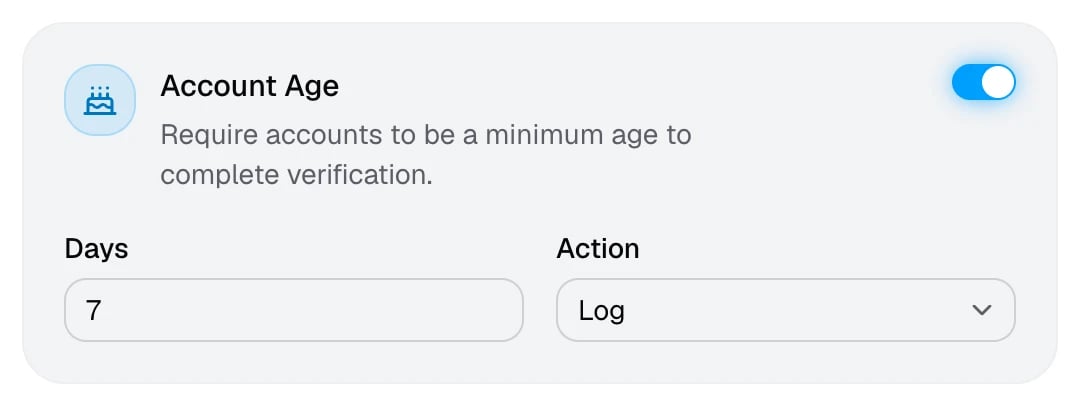
New accounts are the easiest way to evade a ban or raid a server. Members whose account is too young are told when they’ll be old enough to try again.
Avatar Required
Require members to have an avatar to complete verification.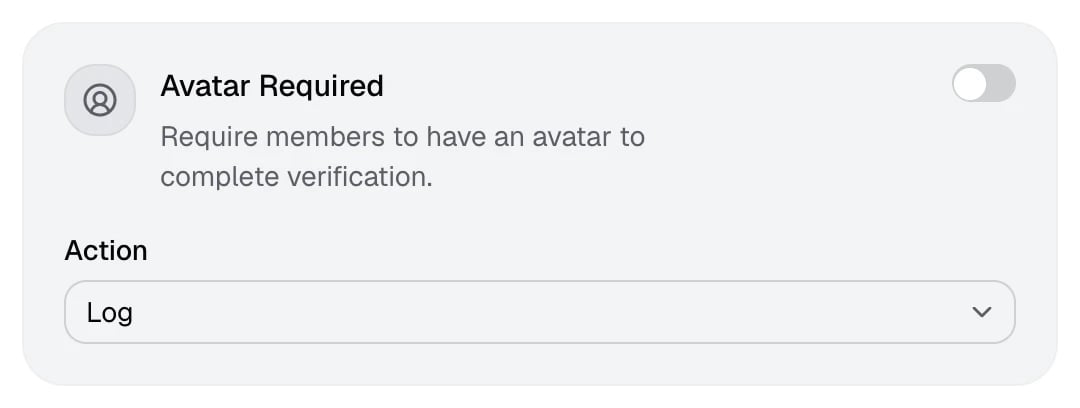
Accounts still using Discord’s default avatar fail this check. It filters out many throwaway accounts, but some real members never set an avatar, so start with Log if you’re unsure.
Block Alternative Account
Block alternative accounts of verified members from verifying.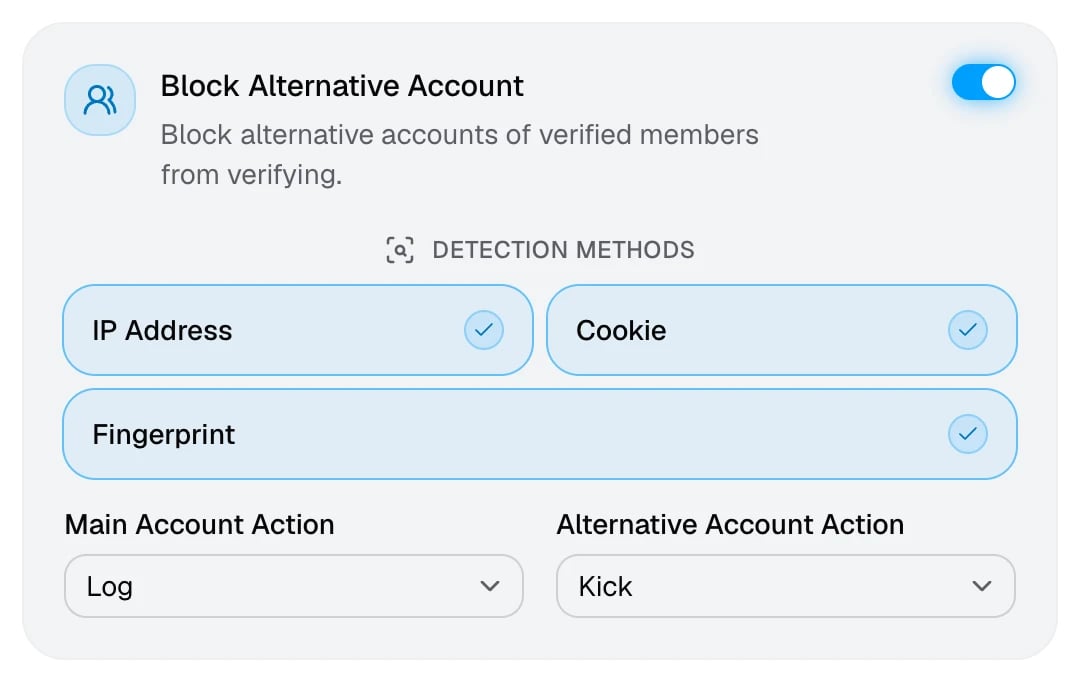
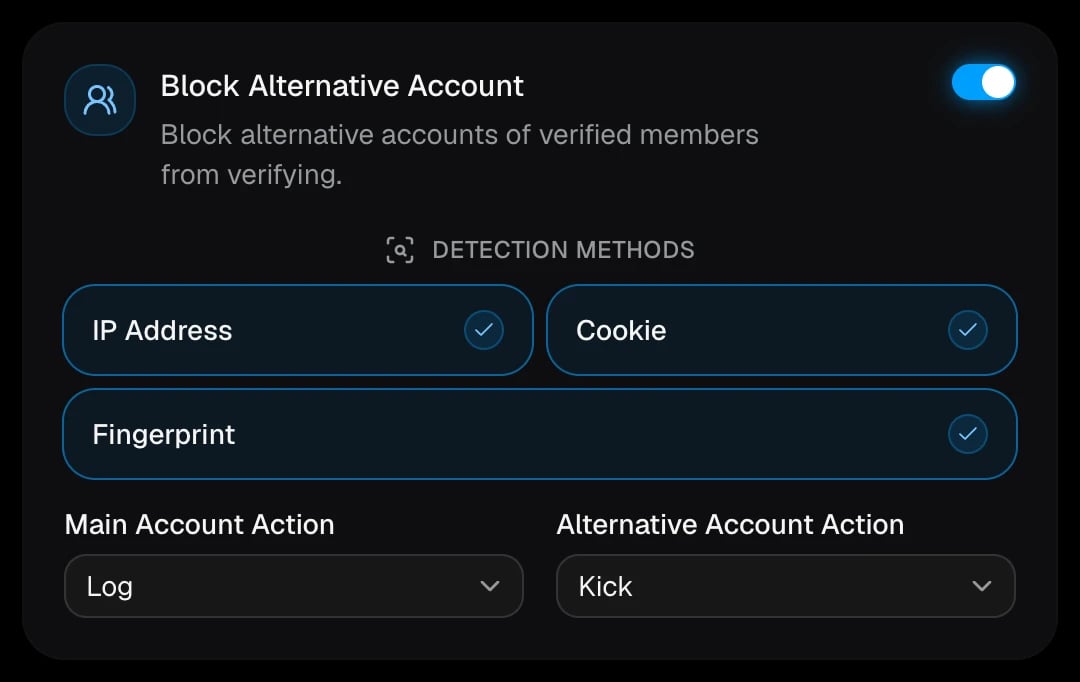
When someone verifies, AuthenticateMe compares their connection and browser with members who already verified in your server. If they match, the new account is treated as an alternative account of the earlier one, which is the main account.
The log shows both accounts, which method linked them, and whether their operating system and browser also match.
Block Disposable Email
Block accounts with a disposable email from verifying.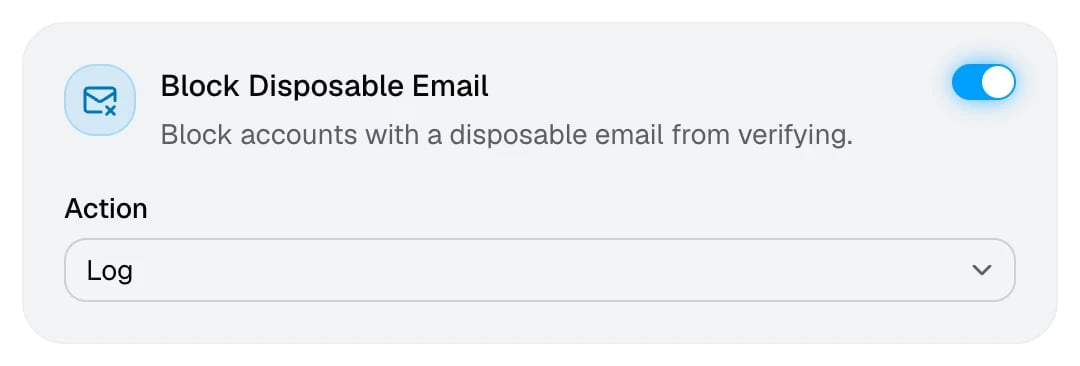
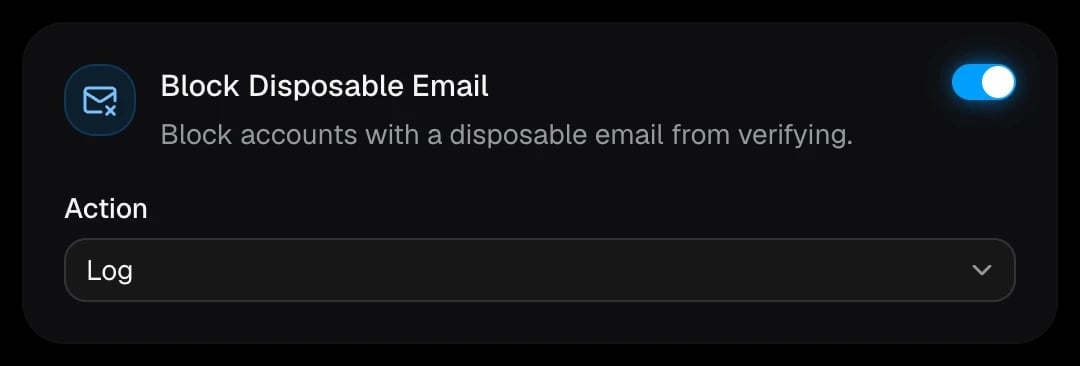
Throwaway inboxes are a common way to create accounts in bulk. Only the domain of the member’s Discord email is checked, and well-known providers such as Gmail, Outlook, Yahoo, iCloud, and Proton are always allowed.
Honeypot
Catch spammers by acting on anyone who posts in a trap channel.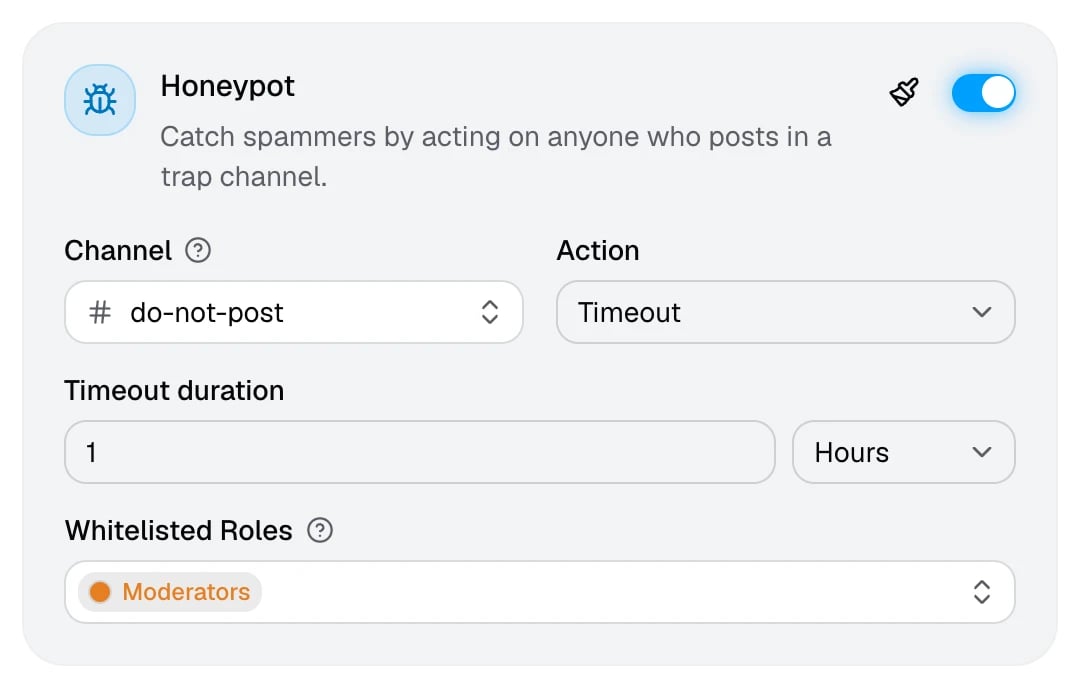
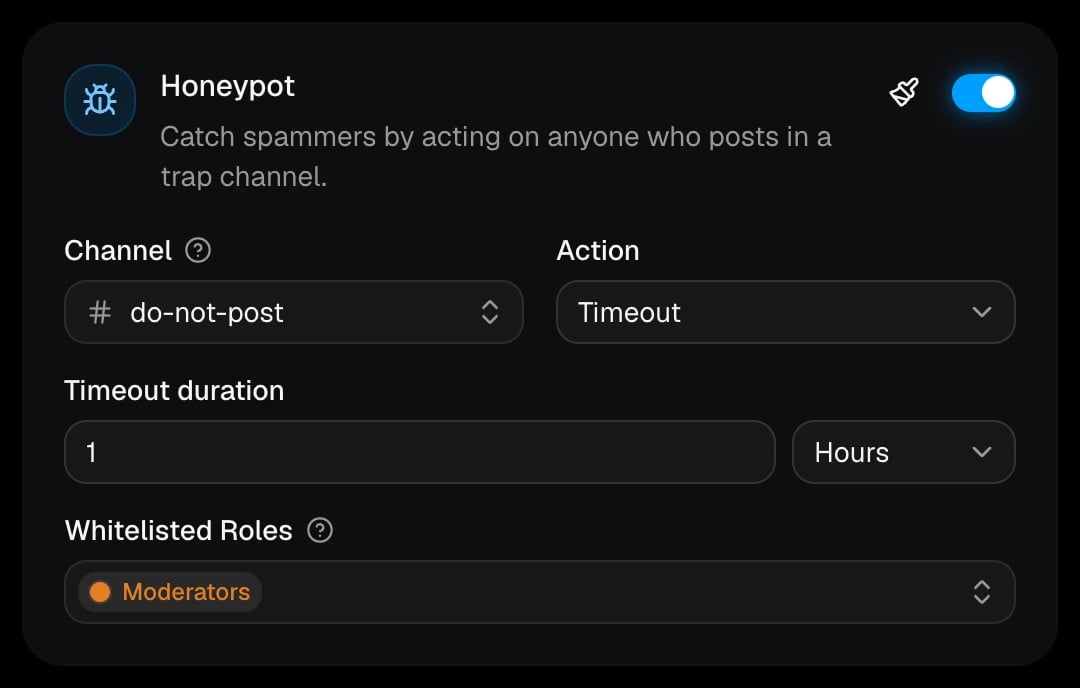
Spam bots tend to post in every channel they can see. Create a channel that real members have no reason to use, and AuthenticateMe deletes anything posted there and acts on the author once. Messages from webhooks are only logged.
AuthenticateMe pins a warning message in the channel, which you can customize with the paintbrush on the card. Its text shows even for members who turned embeds off.
Max Verifications
Limit how many times a member can fail verification.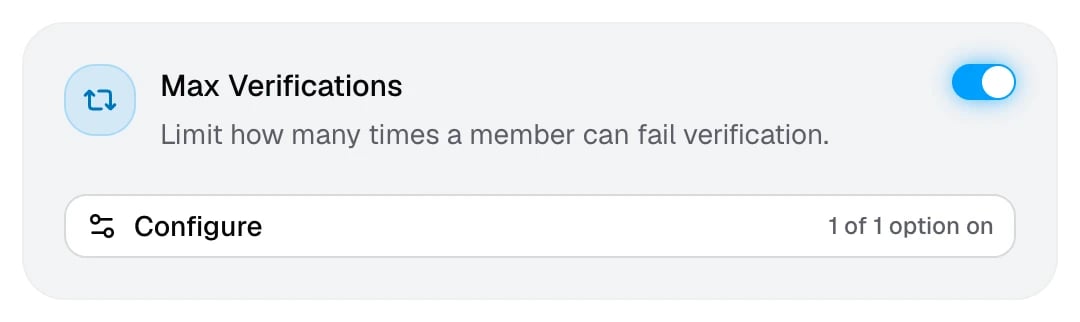
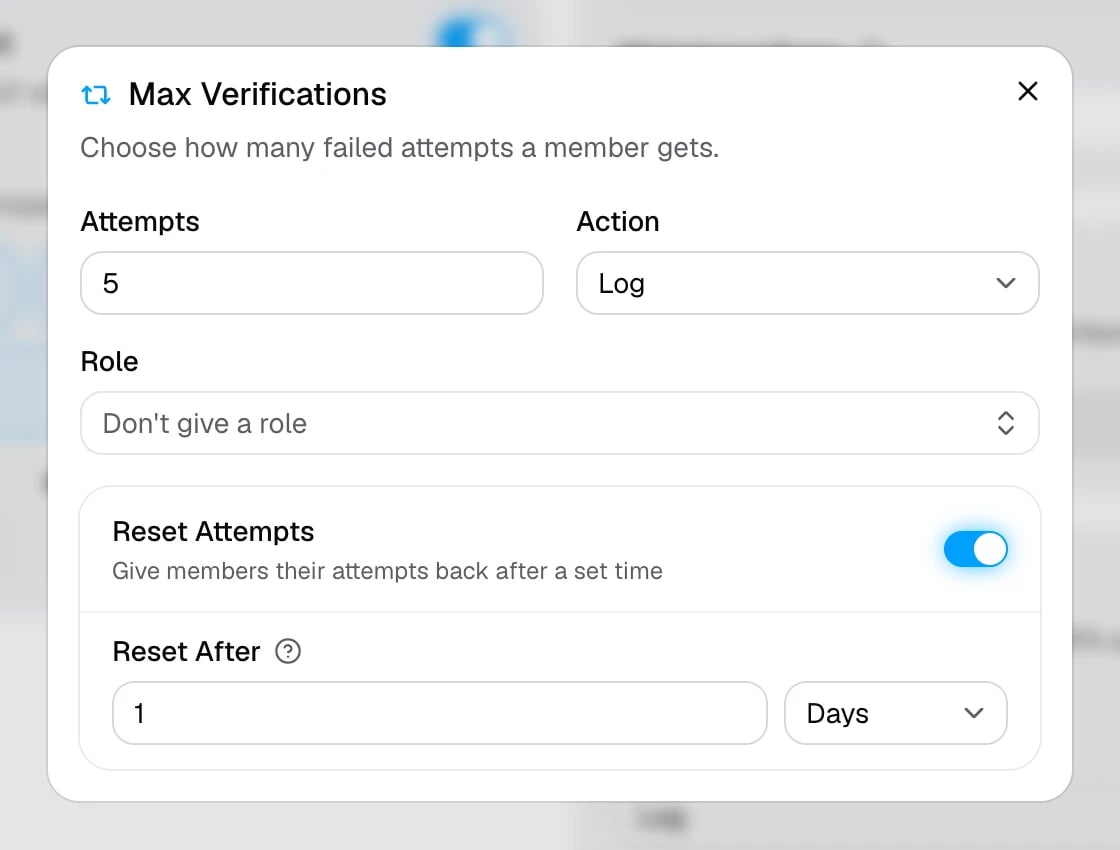
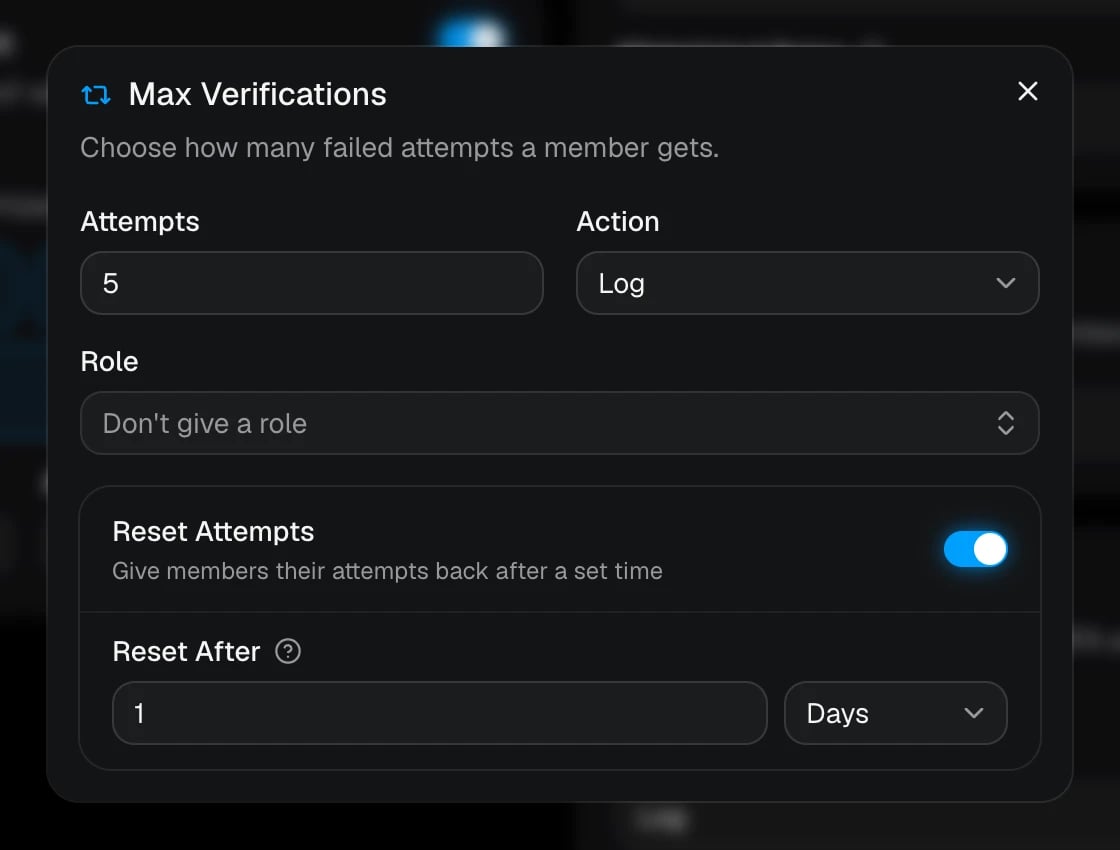
Only failed attempts count. Members who hit the limit see “Maximum verification attempts reached”, plus when they can try again if resets are on. You can give someone a fresh start with Reset verification.
MFA Required
Require members to have MFA enabled to complete verification.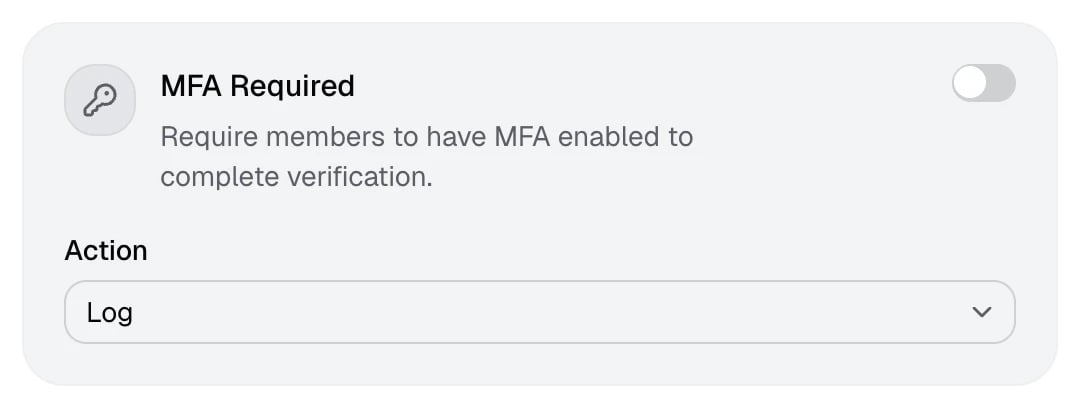
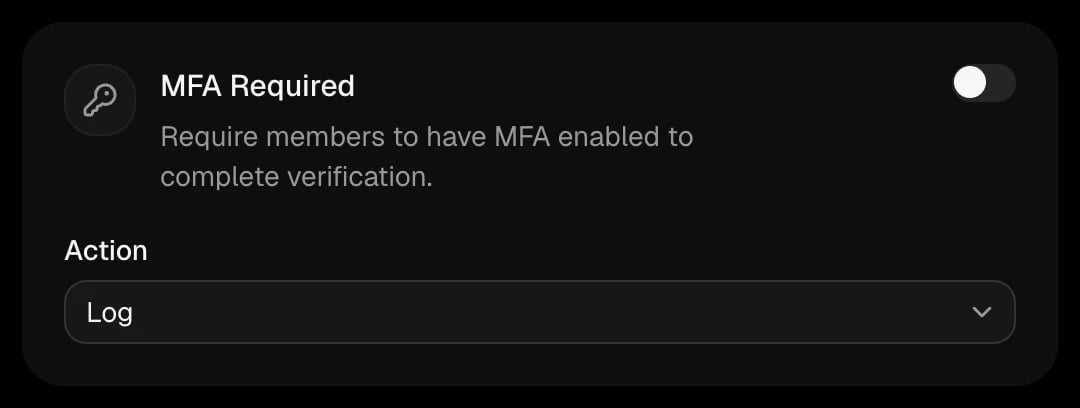
Members need two-factor authentication turned on for their Discord account. Accounts protected this way are much harder to farm. Send members who fail to the MFA guide.