
Browser checks run on the verification page, so they all need the Web-Link mode. Each one has an action of Log, Kick, or Ban.
Checks marked Enhanced below get stronger on Premium Tier 3.

Block Anti-Detect Browsers

Block members using anti-detect browsers from verifying. Enhanced
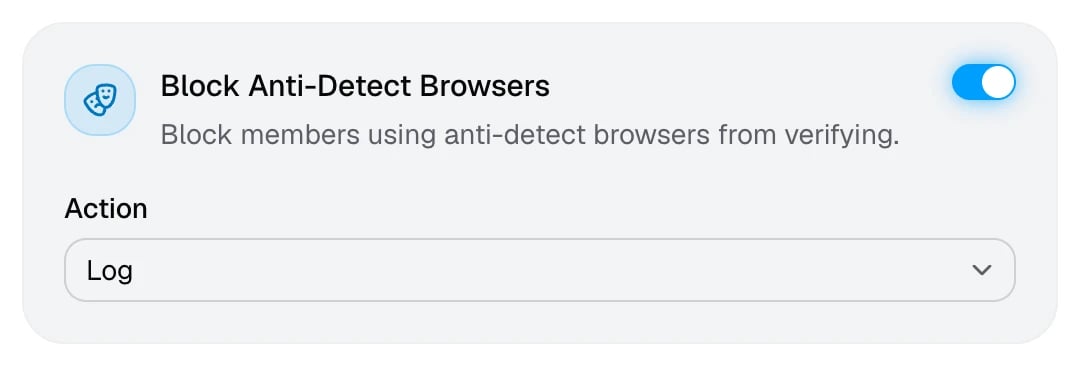
The Block Anti-Detect Browsers cardThe Block Anti-Detect Browsers card
Anti-detect browsers fake a new device for every profile, so one person can run dozens of accounts that look unrelated. They’re a favourite tool for farming alts and evading bans.

Block Automated Browsers

Block bot-driven browsers like Selenium or Puppeteer from verifying.
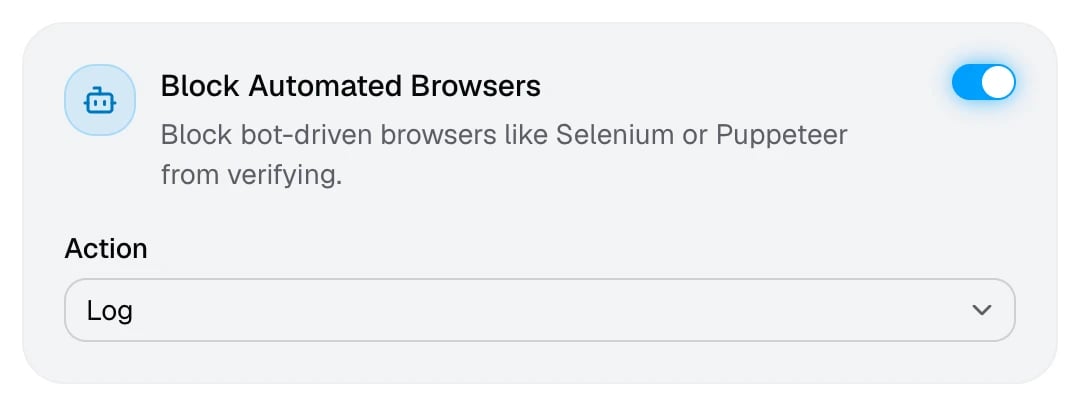
The Block Automated Browsers cardThe Block Automated Browsers card
Catches scripts that drive a browser to verify accounts in bulk. Real members rarely trip this check, so it’s on by default.

Block Browser Tampering

Block browsers whose fingerprint shows signs of tampering. Premium Tier 3
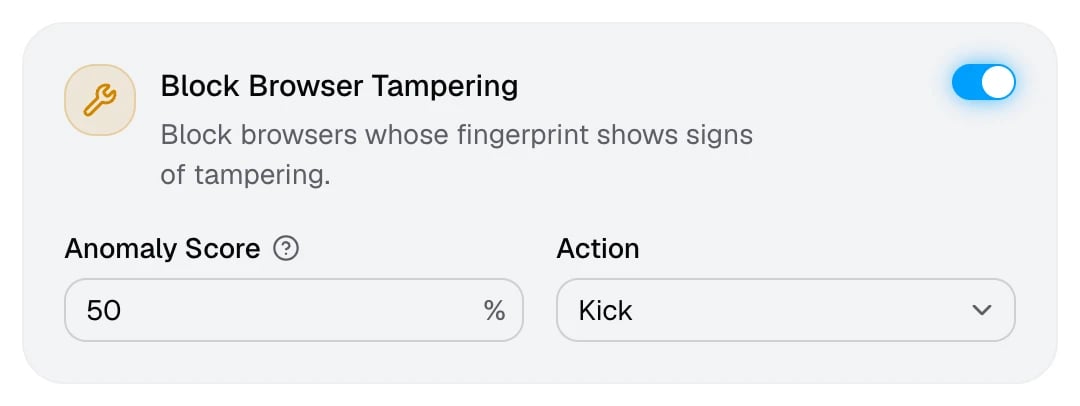
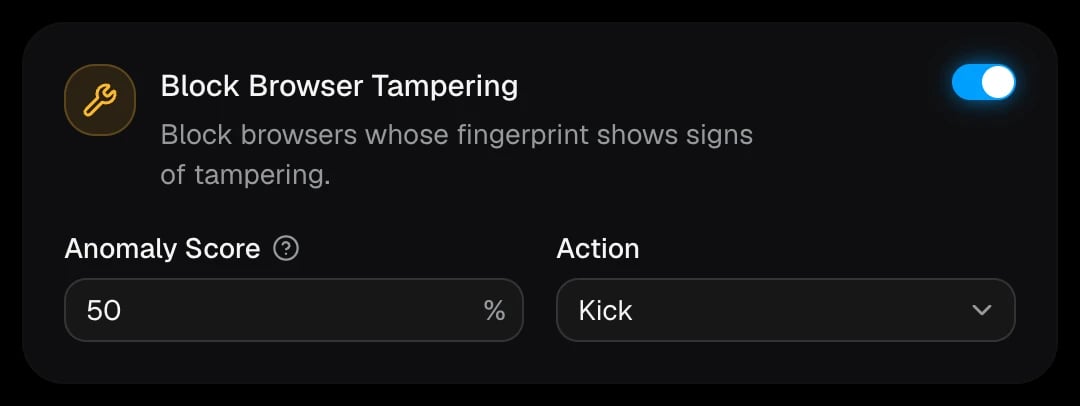
The Block Browser Tampering card on the Premium pageThe Block Browser Tampering card on the Premium page
Finds browsers that were modified to hide what they really are, which basic checks can miss. You’ll find this card on the Premium page.

Block Developer Tools

Block members who have developer tools open while verifying. Enhanced
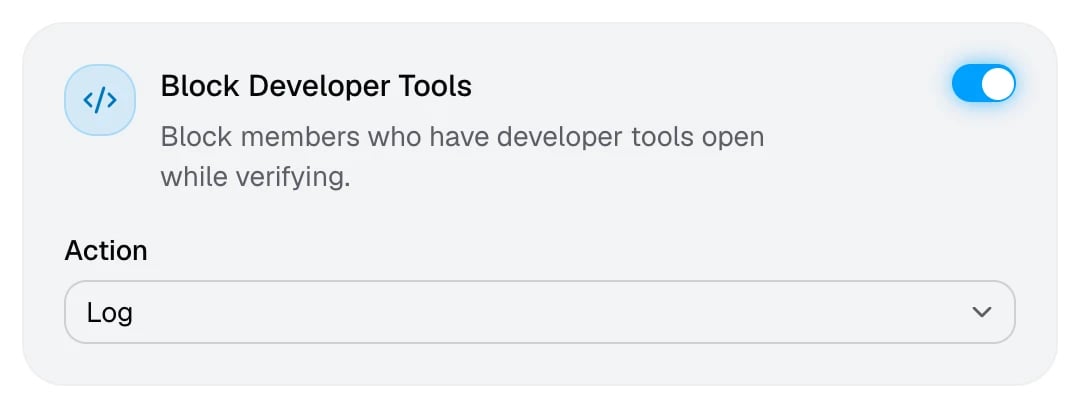
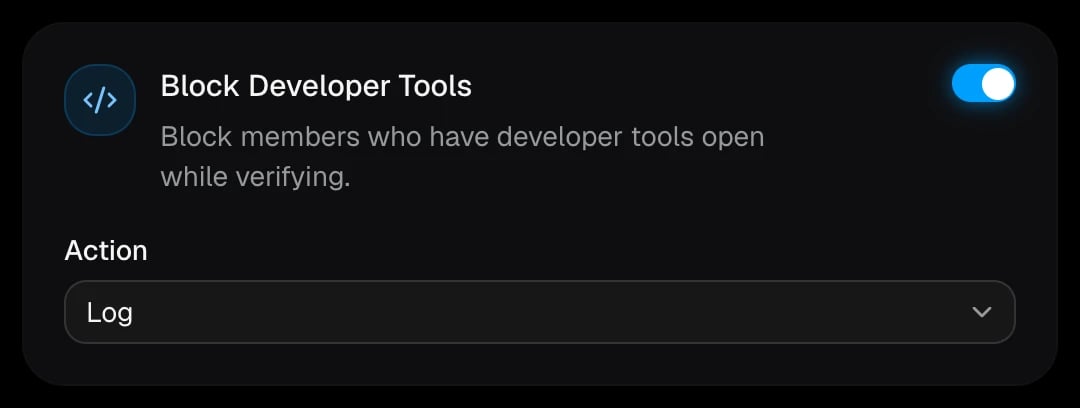
The Block Developer Tools cardThe Block Developer Tools card
People who try to tamper with the verification page usually have developer tools open. Members who fail are asked to close them and try again.

Block Fake User Agent

Block browsers that fake their user agent from verifying.
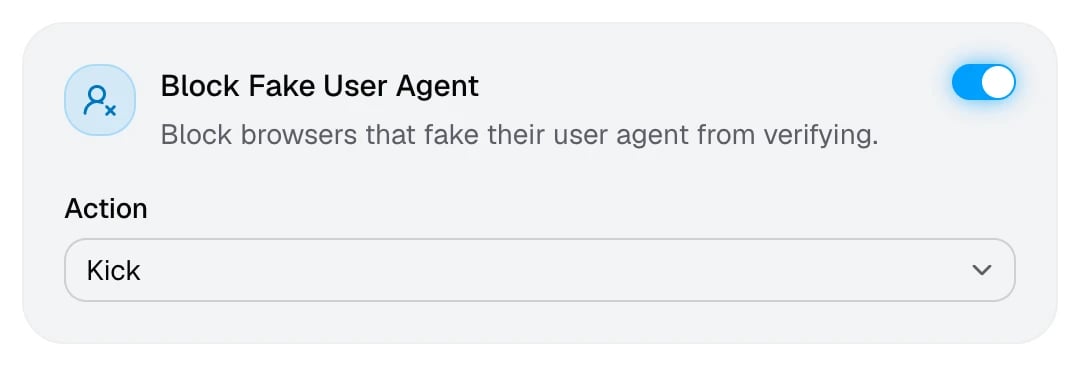
The Block Fake User Agent cardThe Block Fake User Agent card
A browser’s user agent says which browser and system it is. A user agent that doesn’t match the real browser is a strong sign of spoofing or automation.

Block Incognito Mode

Block members in incognito mode from verifying. Enhanced
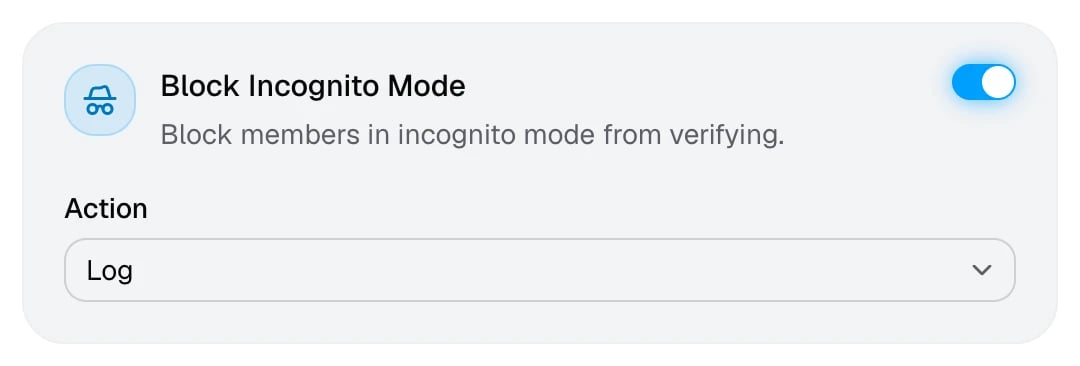
The Block Incognito Mode cardThe Block Incognito Mode card
Private windows throw away cookies, which helps people slip past cookie-based alt detection.

Block Privacy Focused Settings

Block browsers that hide their fingerprint with privacy settings. Enhanced
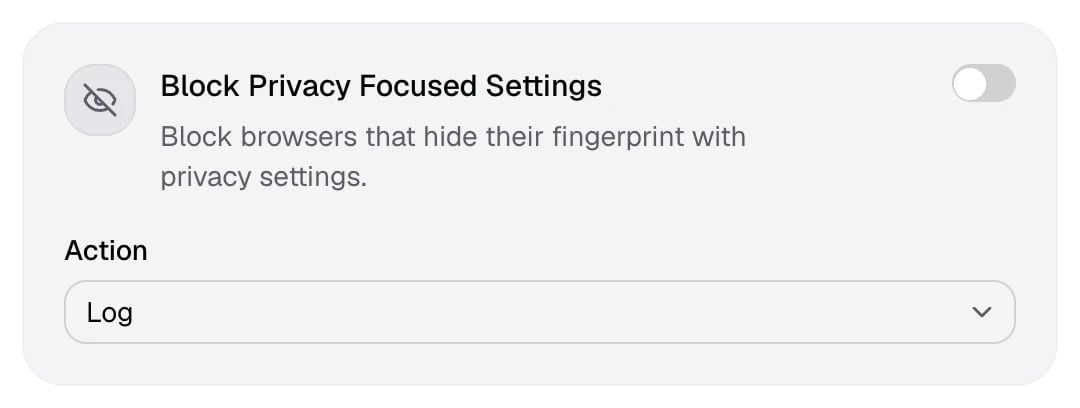
The Block Privacy Focused Settings cardThe Block Privacy Focused Settings card
Strict privacy settings and some privacy browsers hide or randomise the details AuthenticateMe uses to recognise a device. This check is off on the Basic and Balanced presets, because it can also catch privacy-minded members. Members who fail can follow Privacy focused settings detected.

Block Threat

Block members whose bot score reaches the threshold.
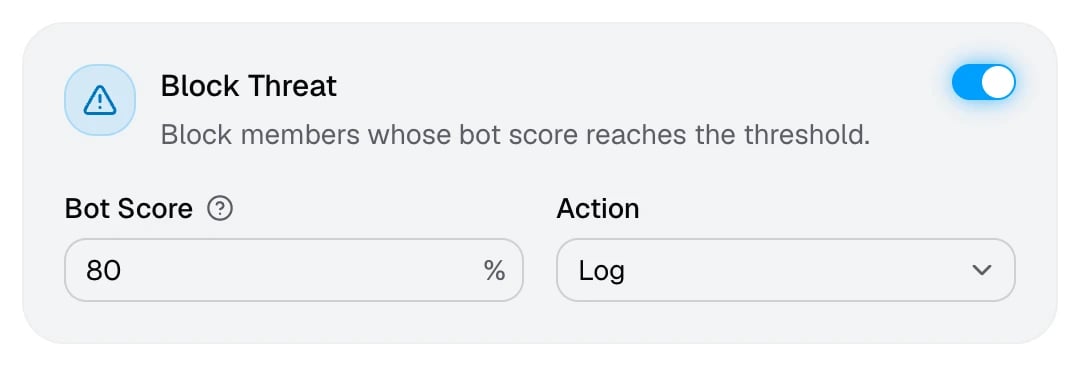
The Block Threat card with a bot score threshold of 80%The Block Threat card with a bot score threshold of 80%
The bot score rates how likely it is that the browser is automated. On Tier 3, the suspect score adds a second rating built from many signals at once, such as VPNs, tampering, virtual machines, and unusual activity. A member is blocked if either score reaches your threshold, and the log shows the score that caught them. The Suspect Score is set on the Premium page.