
Logs
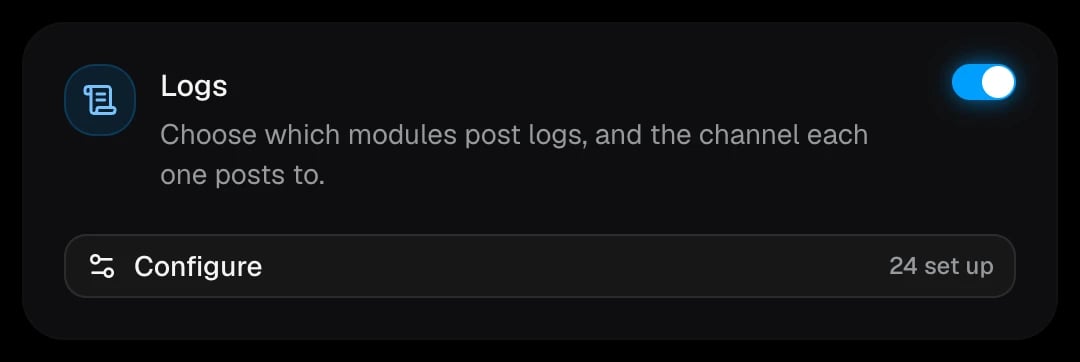
Logs are split into modules, and each module can post to its own channel. A module without a channel isn’t logged.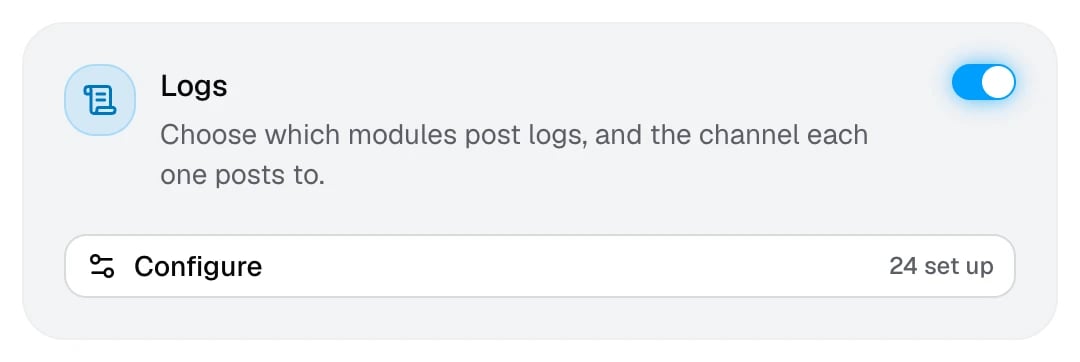
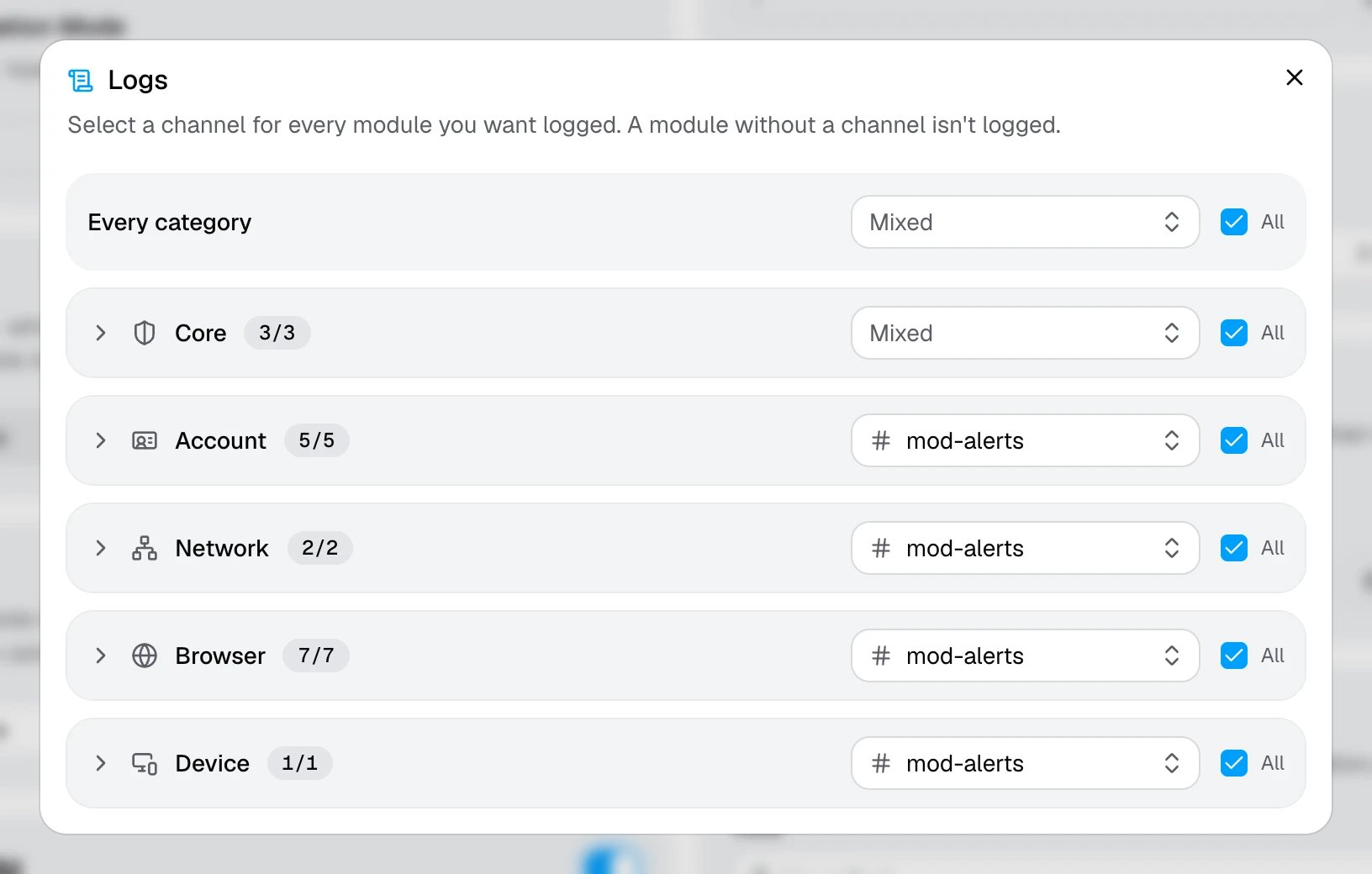
- Every category sets one channel for everything at once.
- Each category row sets a channel for all of its modules. Expand a row to pick a channel per module.
- The All checkbox turns every module in that row on or off.
Modules
A common setup sends Successful Verifications and General Logs to a quiet channel, and every failure to a separate channel your moderators watch.
What a log looks like
- Passed
- Failed
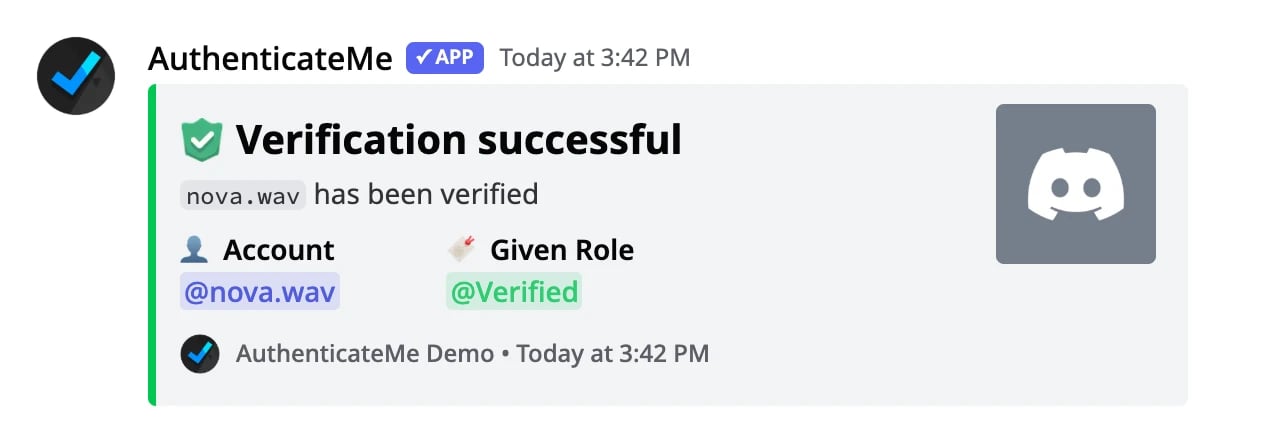
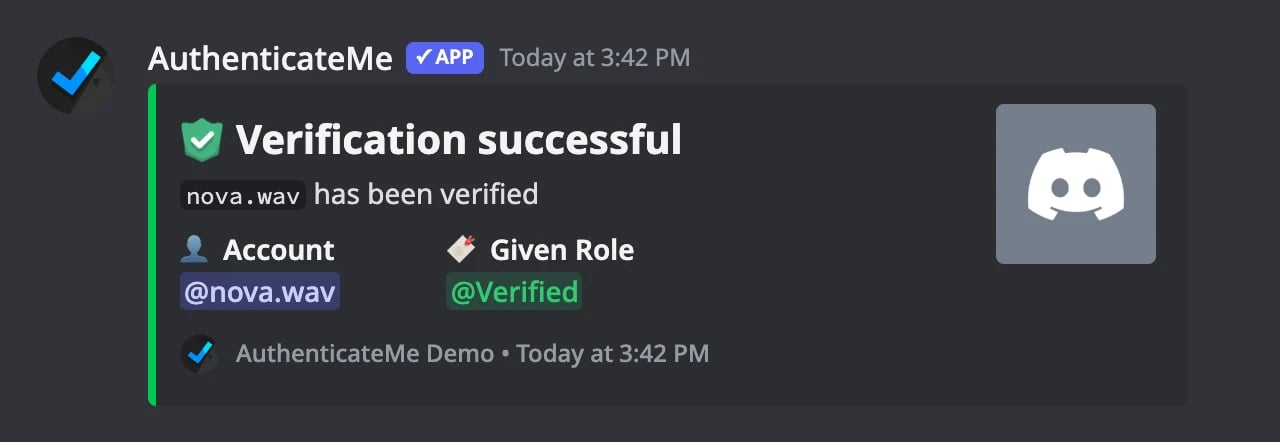
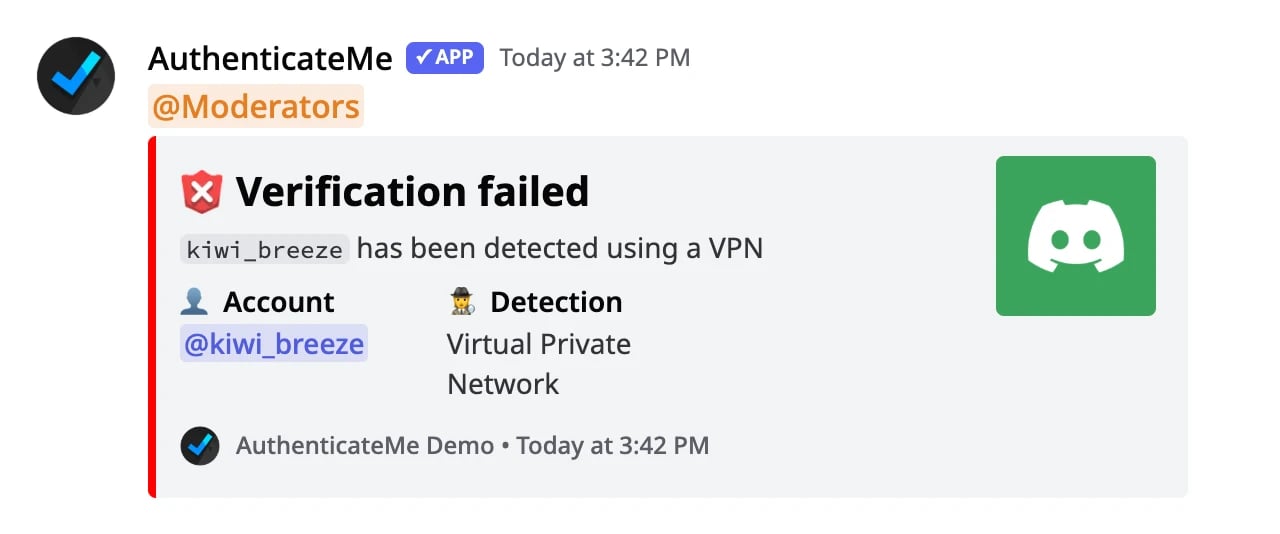
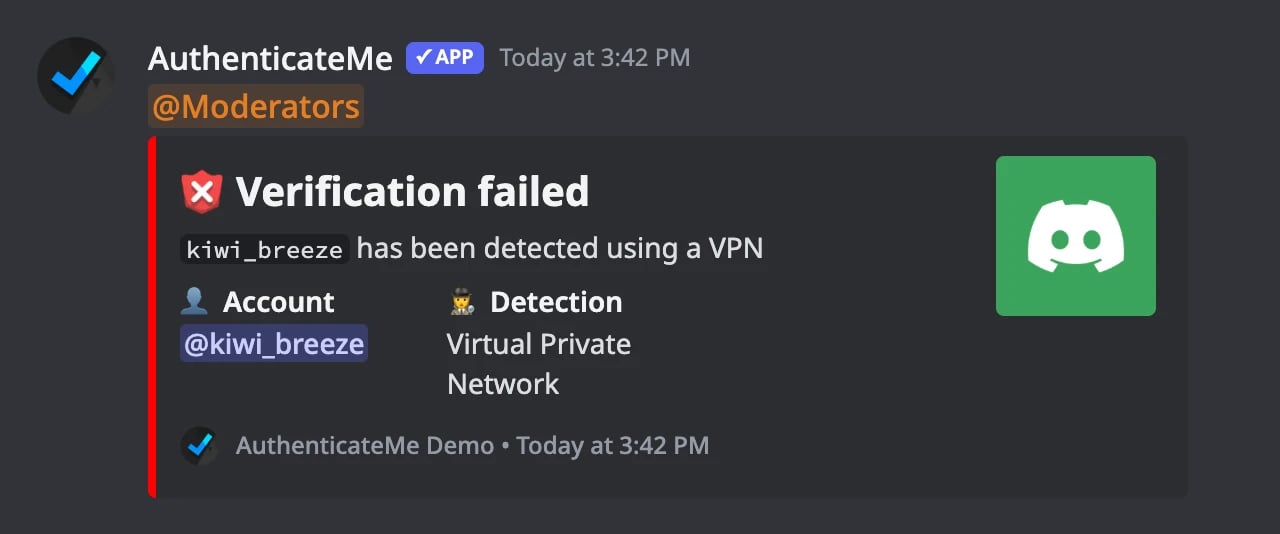
Logs only show what staff need. Raw IP addresses, emails, cookies, and fingerprints are never posted. See Data Collection.
Alerts
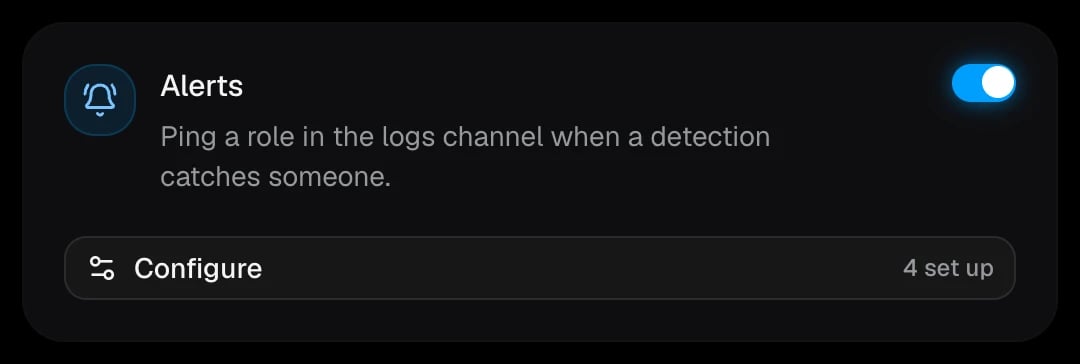
Alerts ping a role in a module’s logs channel whenever that check catches someone. They need Logs to be on, and a check only shows up here once its module has a logs channel.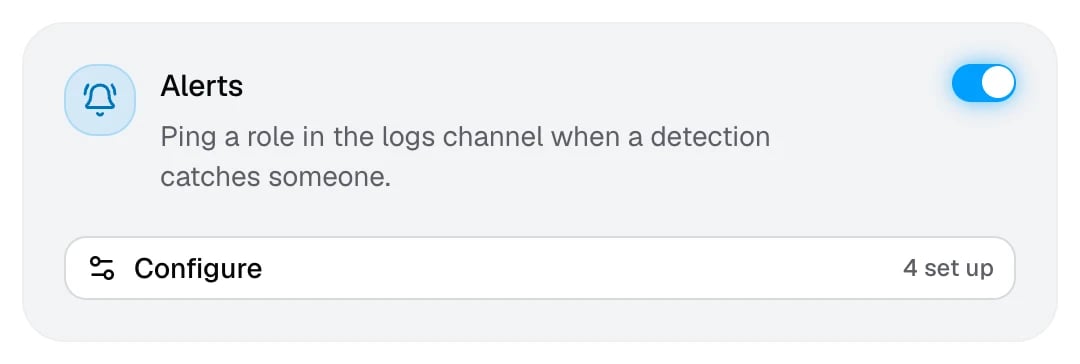
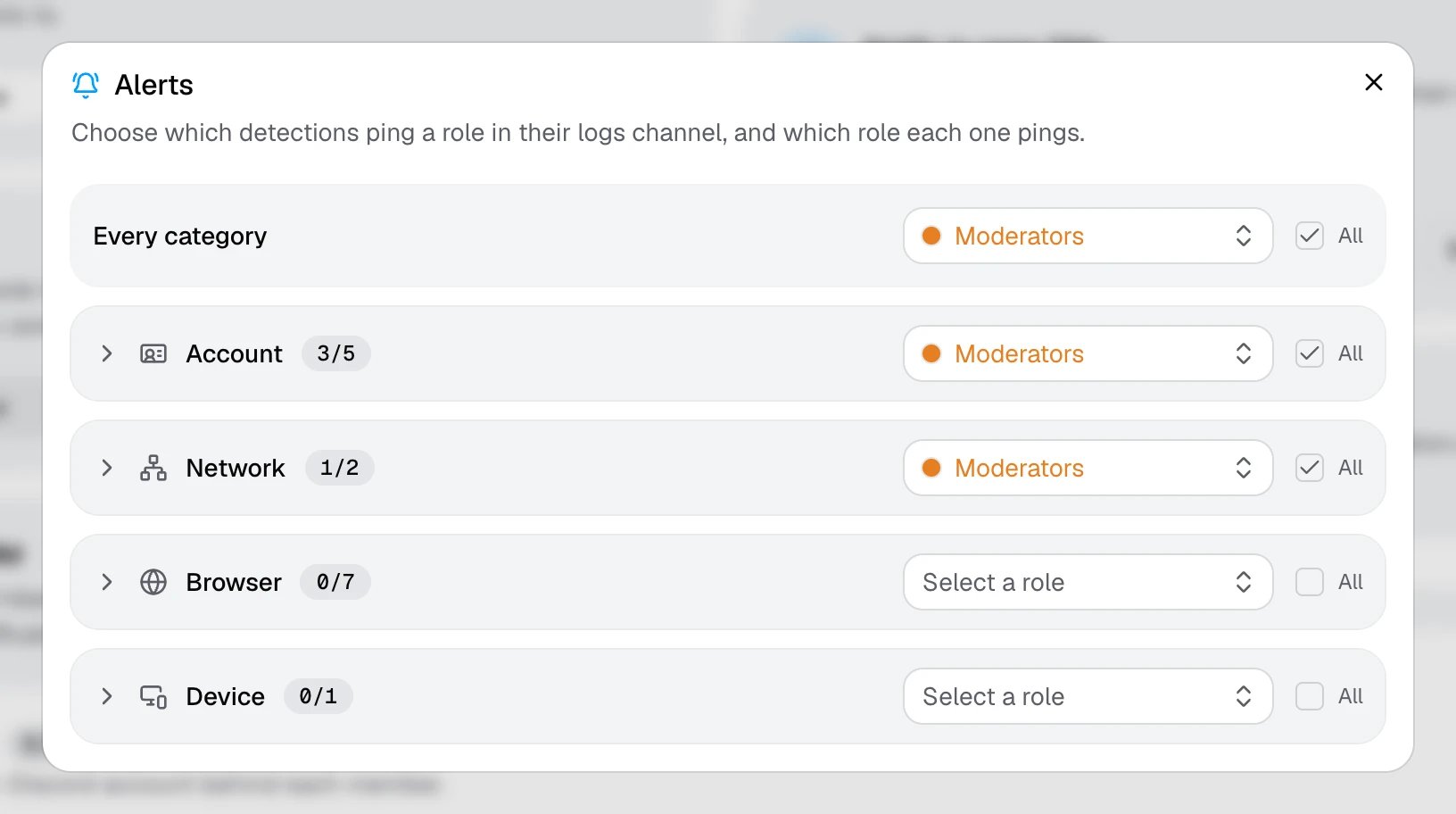
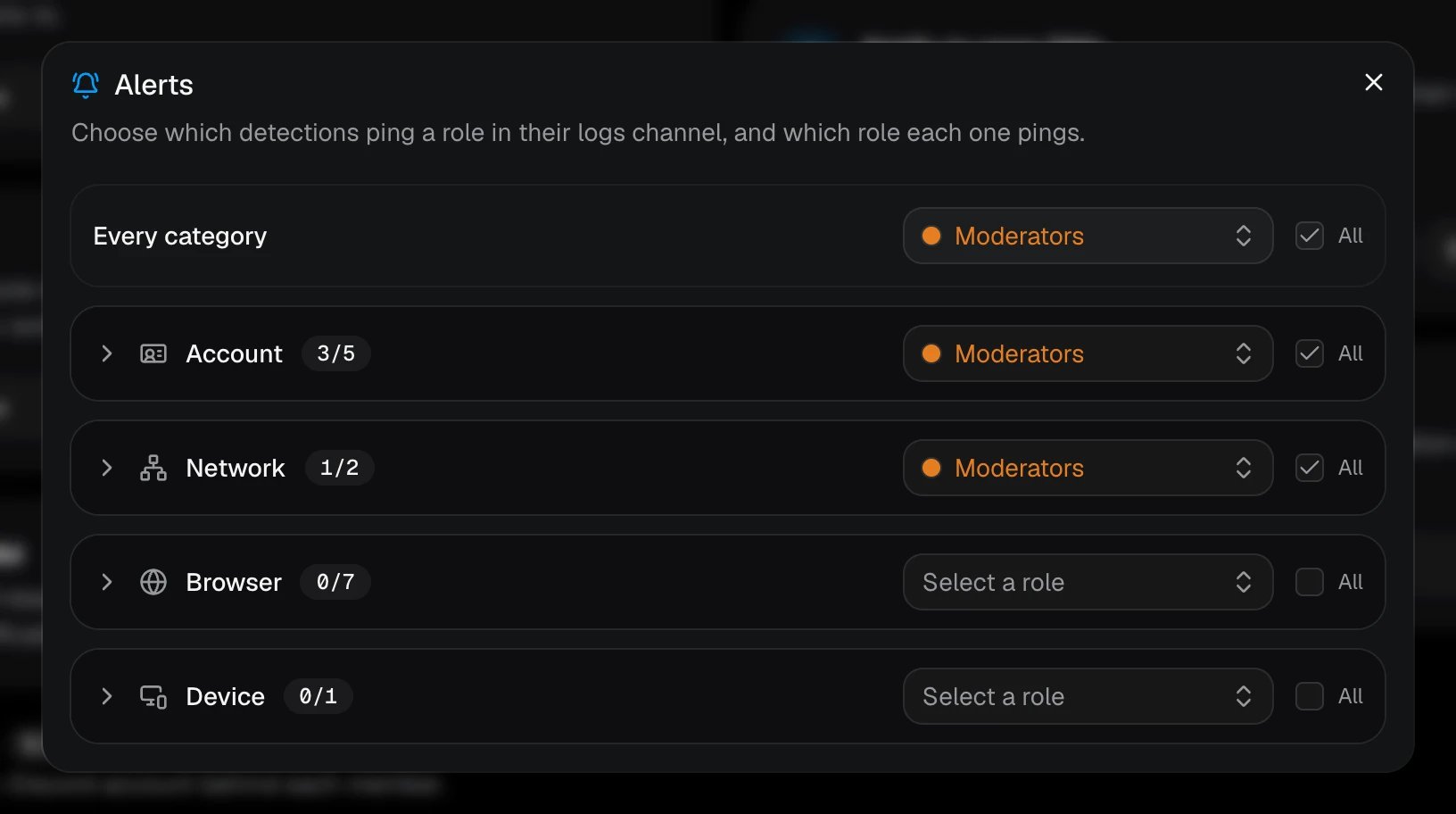
The role has to be mentionable, or AuthenticateMe needs the Mention @everyone, @here and All Roles permission in the logs channels it pings in. The Health page warns you if a role can’t be pinged.