
Verified Role and Verification Channel
The two settings every server needs. The Verified Role is given to members who pass, and the Verification Channel is where they start. Both are covered in detail in Roles and channels.Verification Mode
How members verify, which is one of Web-Link, Button-Click, or Instant-Grant. See Verification modes.Logs and Alerts
Where AuthenticateMe reports what happens, and which roles it pings when someone gets caught. See Logs and alerts.Auto DM
DM members when they join, and when they pass or fail verification.
With Auto DM on, members get a DM as soon as they join. In Web-Link mode it holds their personal verification link, and in Button-Click mode it points them to the verification channel. AuthenticateMe also DMs members when their time to verify runs out, and in Instant-Grant mode when they’re verified.
Members always get a DM with the result after they verify on the web page or with the Verify button, even with Auto DM off, so they know why they weren’t let in.
Notify to open DMs
Ping members in the verification channel when their DMs are closed.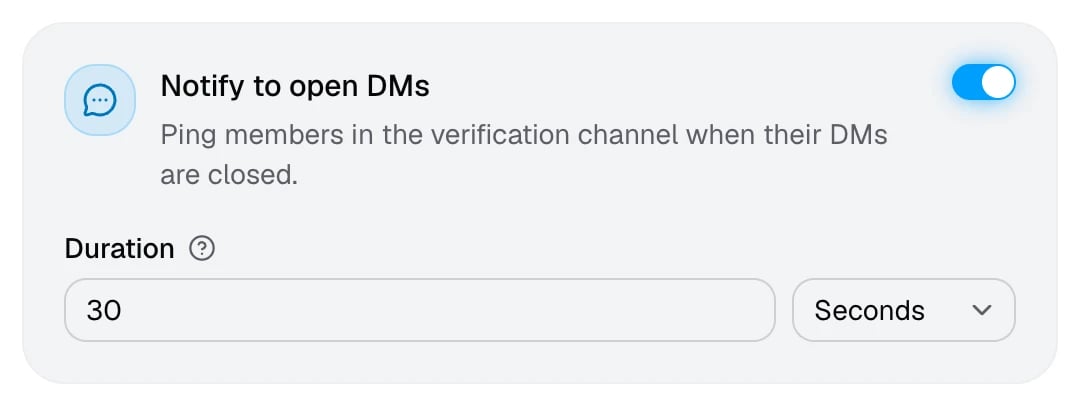
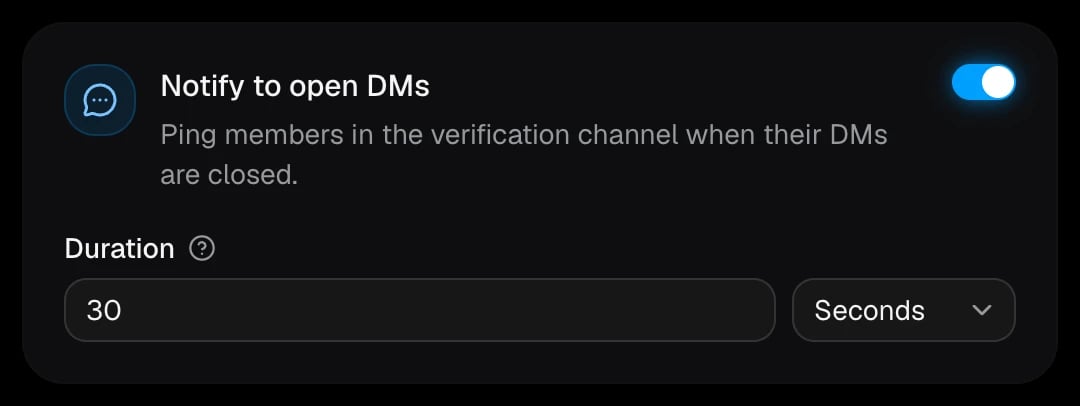
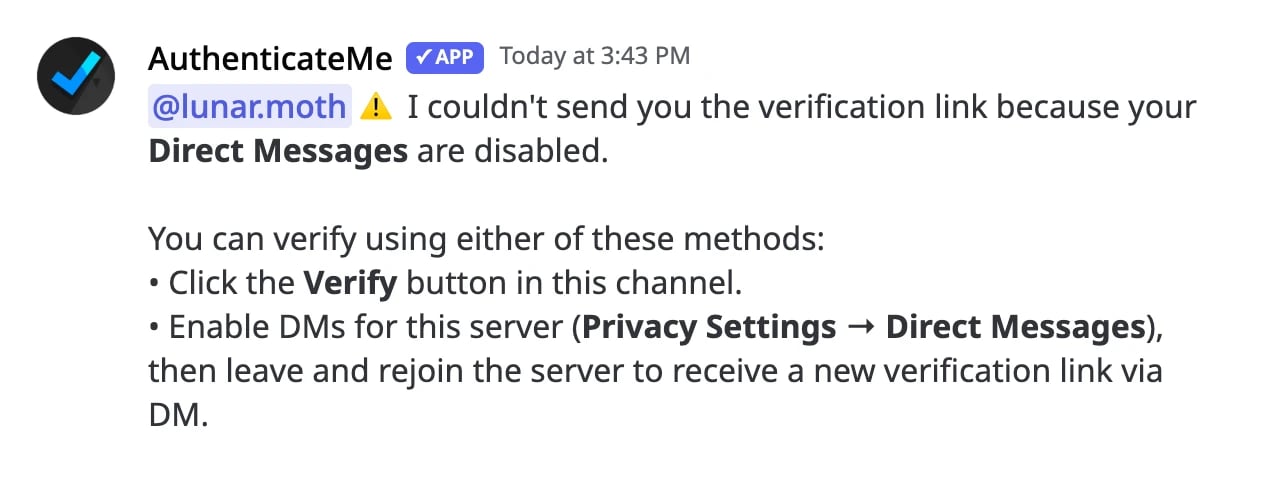
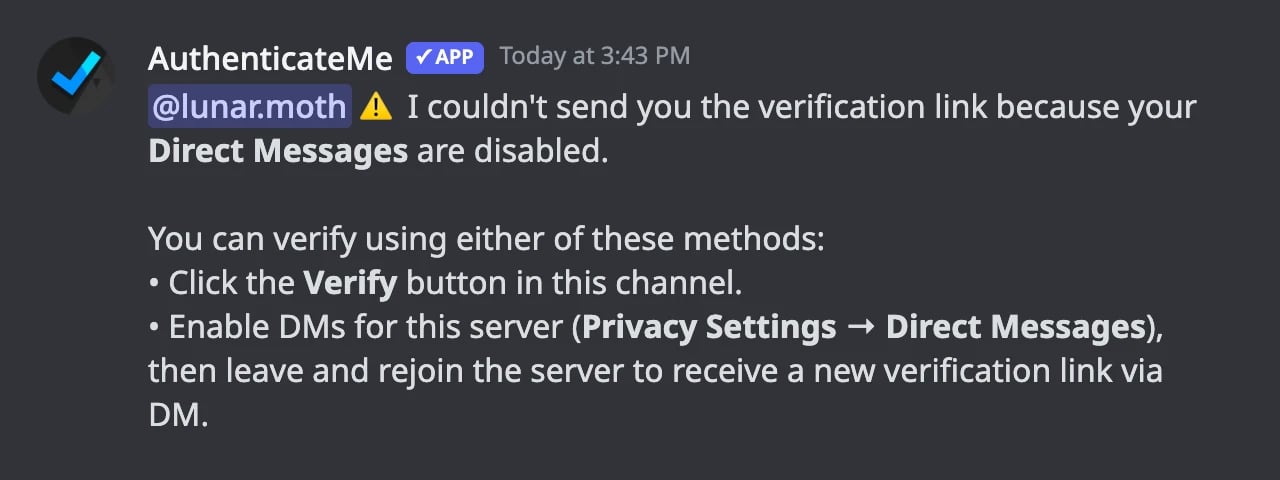
When the join DM can’t be delivered, AuthenticateMe mentions the member in the verification channel and explains how to verify anyway. The message deletes itself after the duration you pick.
Auto Kick
Kick members who haven’t verified within the set time.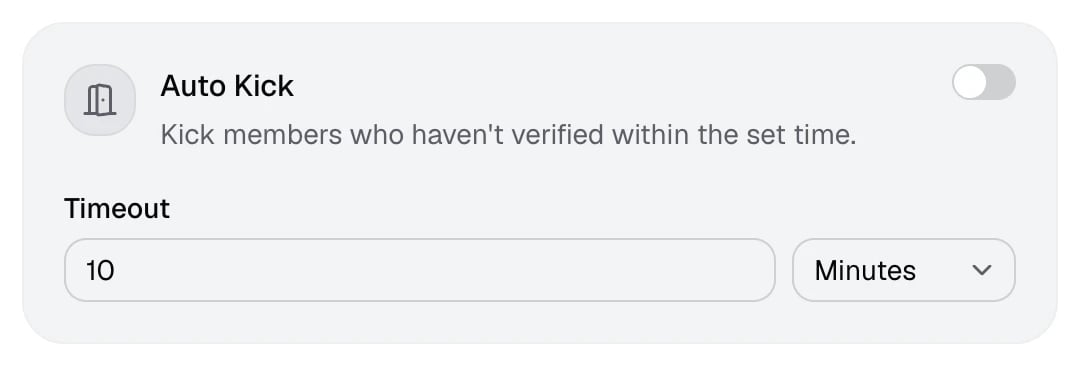
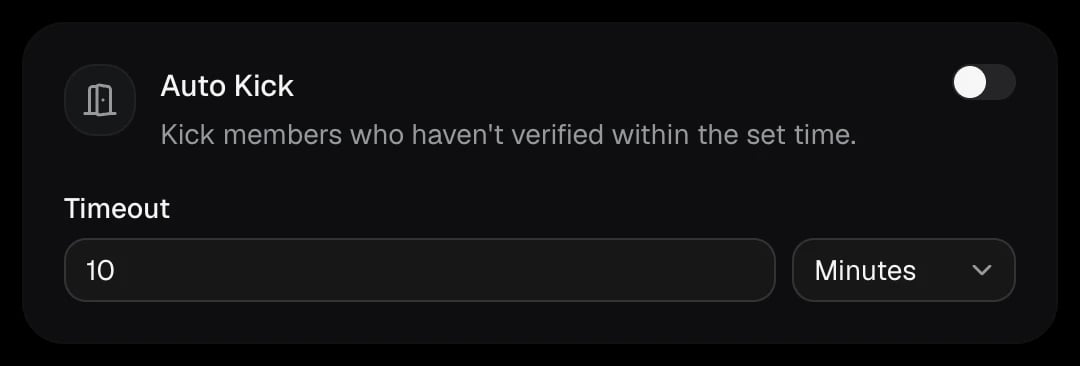
The timer starts when a member joins. If they’re still unverified when it runs out, they’re kicked with the reason “Auto Kick” and a log is posted. With Auto Kick on, the join DM tells members how long they have, and their verification link stays valid for the same time.
Cooldown
Make members who fail verification wait before trying again.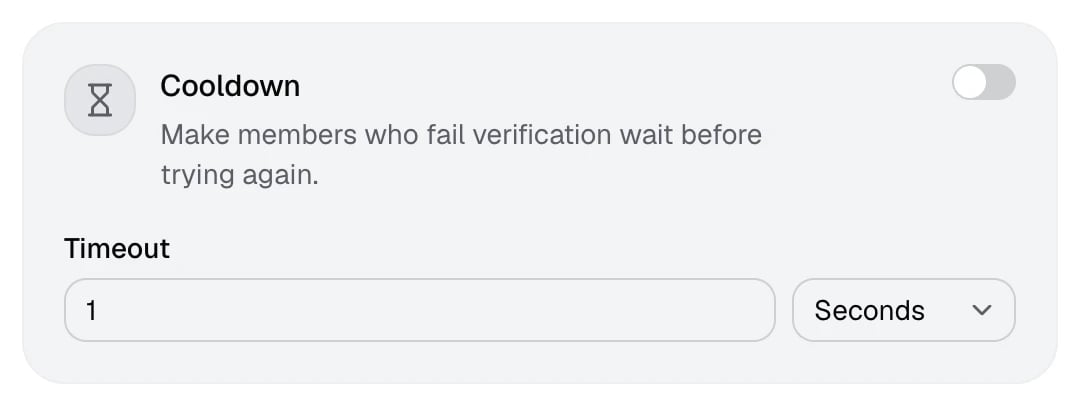
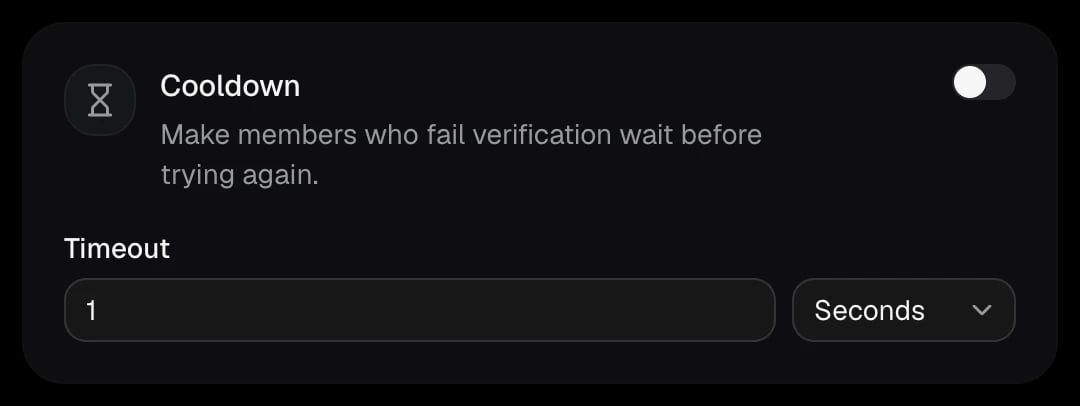
The wait is counted from the member’s last failed attempt. A member on cooldown sees “You’re on cooldown for” followed by the time left. Being on cooldown isn’t a failure, so it isn’t logged and no action is taken.
Help Desk
Let members open a private support thread from the verification message. See Help Desk.Unverified Role
Give members a role until they complete verification.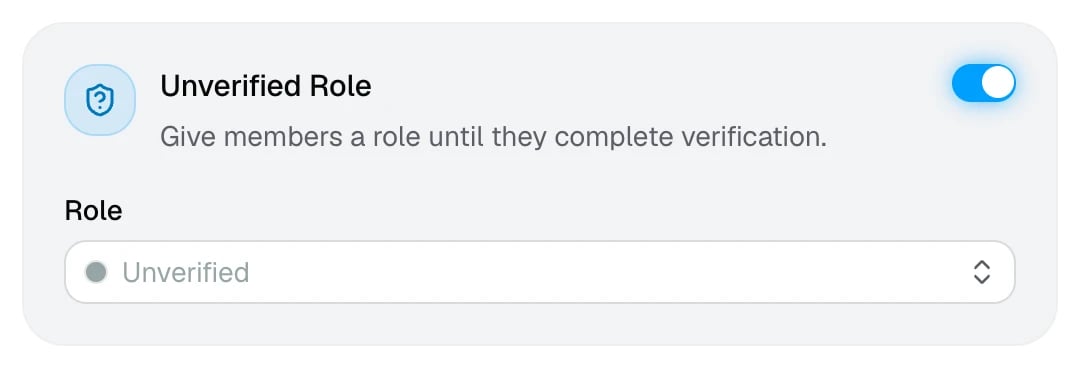
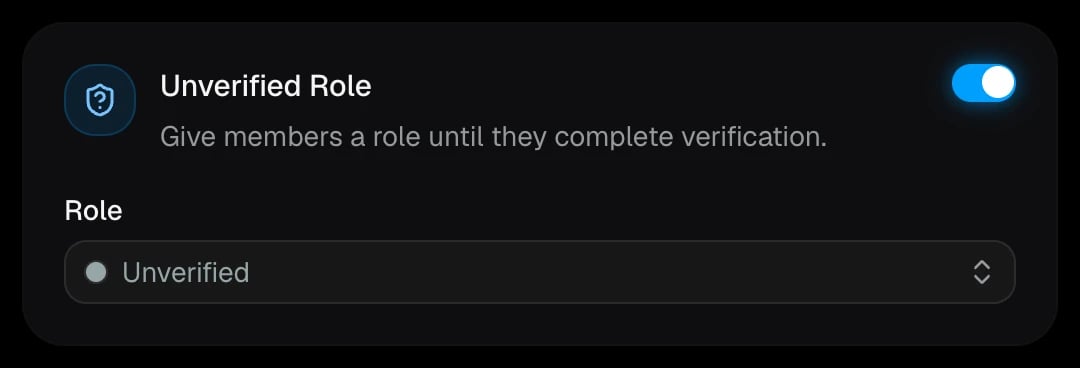
The role is added when a member joins and removed when they verify. When you reset a member, they get it back. The role has to sit below the AuthenticateMe role, and it can’t be
@everyone or a role managed by another app.